July 24, 2026
QuickBooks Integration for Roofing Software
Author
9 minute read
Share

You run your roofing business in one piece of software. Your accountant lives in QuickBooks. Somewhere between the two, data gets lost, re-entered, or mismatched — and someone spends hours every week fixing it.
This has been a friction point for roofing operations for years, but in 2026 there's no longer a good reason to accept it. Modern roofing software integrates directly with QuickBooks Online, and when that connection is set up correctly, invoices sync automatically, payments record themselves, and your books are current without anyone touching them twice. The result is less time on administrative cleanup, fewer errors, and a financial picture that reflects what's actually happening in your business rather than what someone got around to entering last week.
This guide covers how QuickBooks integration works, how to set it up, what to watch for when things go wrong, and how to get the most out of the connection once it's running. If you haven't yet systematized your invoicing process, roofing invoice templates and the broader guide to get paid faster are good starting points before adding accounting integration.
The Cost of Running Two Disconnected Systems
Most roofing businesses that haven't integrated their software yet are running two separate worlds in parallel. The operations side — estimates, proposals, jobs, invoices, payments received — lives in their roofing software. The accounting side — chart of accounts, receivables, expenses, financial reporting, tax preparation — lives in QuickBooks. Without integration, keeping those two worlds in sync is a manual job.
That means creating an invoice in your roofing software and then creating a matching invoice in QuickBooks. Recording a payment on your end and then recording it again in QuickBooks. Periodically comparing the two systems to find the discrepancies that inevitably accumulate and reconciling them. If you have a bookkeeper, you're paying them to do this cleanup work. If you don't, you're doing it yourself.
The operational cost is real, but the bigger problem is accuracy. When data is entered manually in two places, the two places drift apart. Outstanding balances don't match. Revenue figures differ. Job profitability calculations are based on numbers that don't reconcile with what actually came in. Decisions get made on financial data that's partially wrong.
What this means for your business: Every hour spent on manual data entry between systems is an hour that produced no new revenue, no new jobs, no new relationships. Integration pays for itself quickly — but more importantly, it gives you financial data you can actually rely on.
What QuickBooks Integration Actually Does

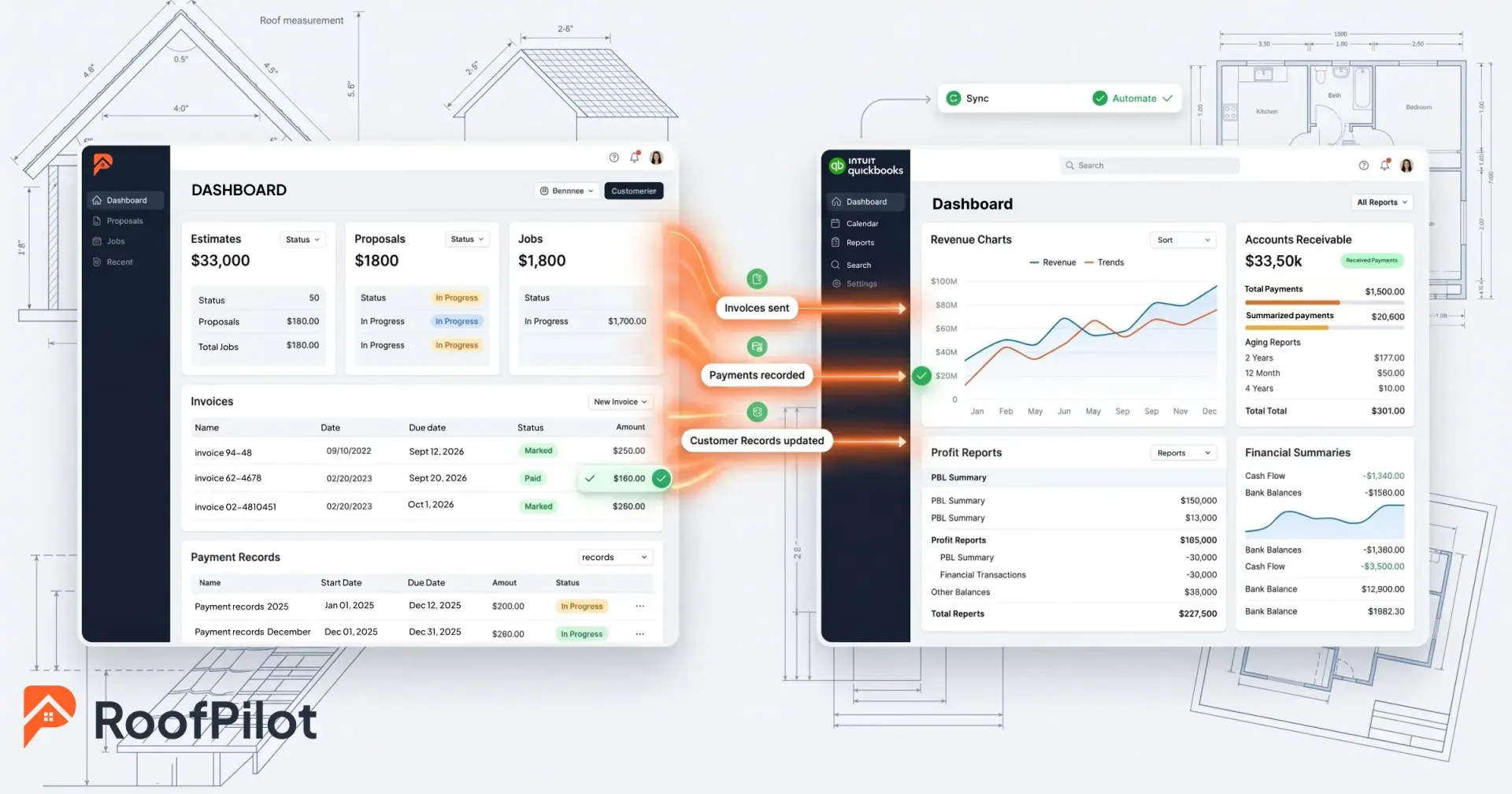
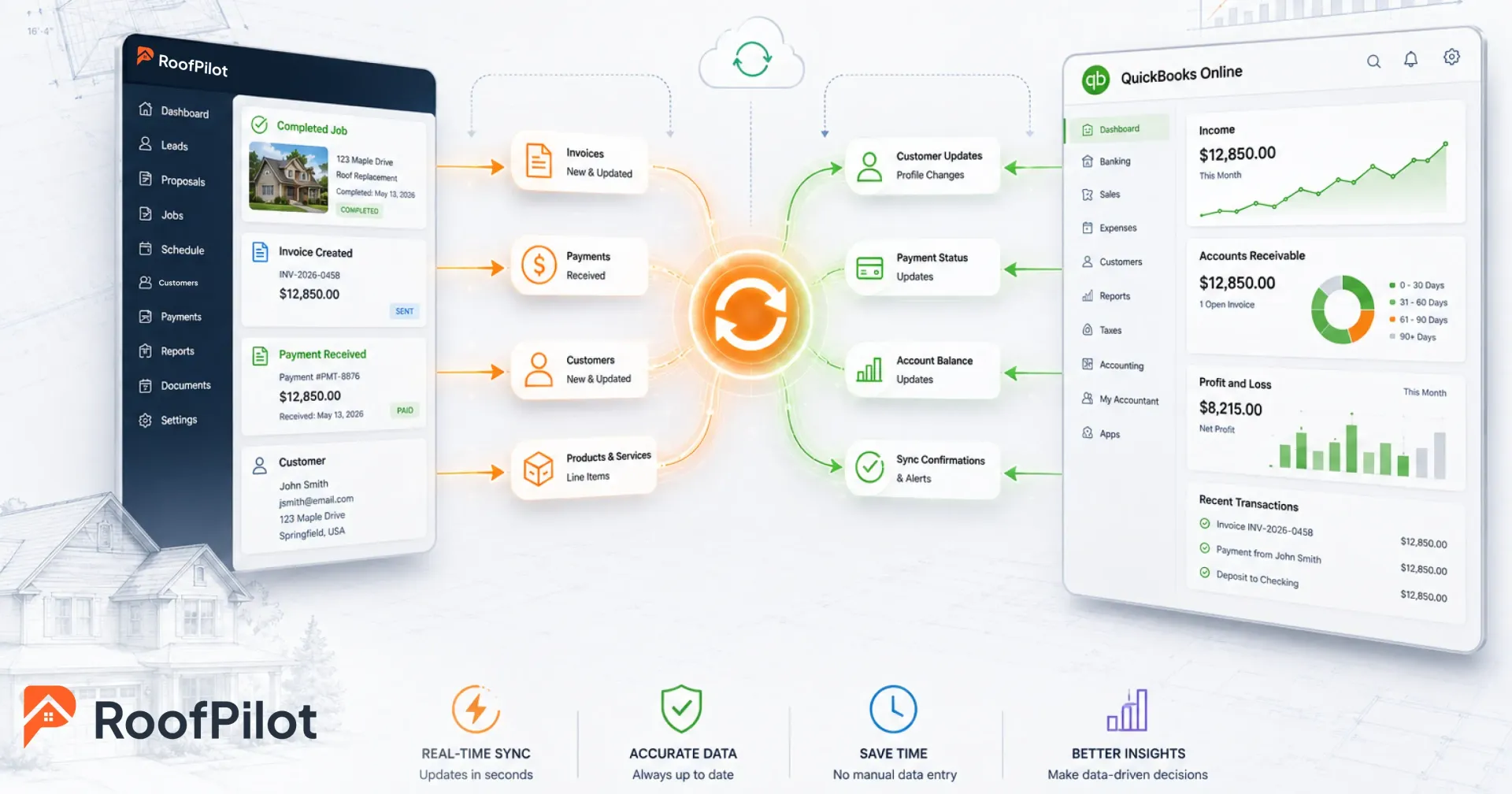
Integration creates a live connection between your roofing software and QuickBooks so that data flows automatically rather than requiring manual transfer. The specifics vary by software, but the core of what syncs is consistent across most integrations.
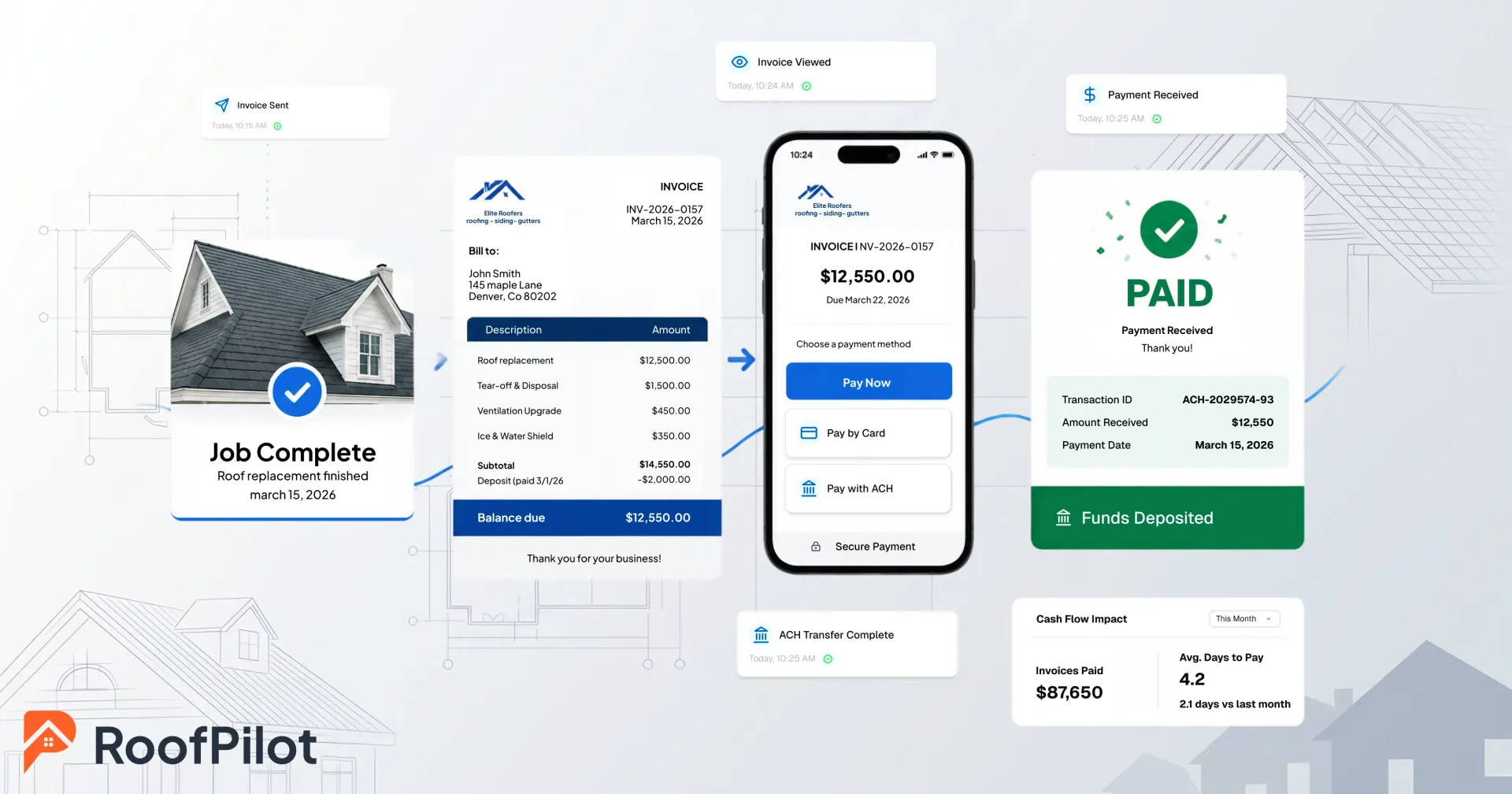
From your roofing software to QuickBooks: invoices created when jobs complete, payments received against those invoices, customer information, and the products and service line items that appear on invoices. From QuickBooks back to your roofing software: customer updates, account balance information, and payment status changes. Some integrations are one-way only — data flows from roofing software to QuickBooks but not back. Others are two-way, meaning a change in either system propagates to the other.
Most modern integrations sync in real time, so a payment recorded in your roofing software appears in QuickBooks within seconds. Some sync in batches — hourly or daily — which is generally fine for accounting purposes even if it's not strictly real time.
The end state is one system of record. You create and manage everything in your roofing software. QuickBooks receives accurate data automatically and is always current. Your accountant or bookkeeper opens QuickBooks and sees exactly what's happened without any intervention from you.
Setting Up the Integration
The specific steps depend on your roofing software, but the process follows the same general sequence regardless of which platform you're using.
Before you connect anything, clean up QuickBooks first. Resolve duplicate customers, ensure your products and services are set up and named consistently, and verify your chart of accounts is structured correctly for roofing revenue. Connecting systems before QuickBooks is clean often means inheriting the mess rather than avoiding it.
Connecting the systems is usually straightforward. Most integrations use OAuth — you navigate to the integrations section in your roofing software, click to connect QuickBooks, log in when prompted, and authorize the connection. The systems exchange a secure token and the connection is established. An initial sync may run automatically once the connection is confirmed.
Field mapping is where most setup problems originate. The integration needs to know how data in one system corresponds to data in the other — which customer fields map to which QuickBooks fields, how your service line items connect to QuickBooks products, and which income accounts receive different types of roofing revenue. Take time with this step. A mapping error that sends all revenue to the wrong account is tedious to unwind after weeks of transactions.
Test before you trust it. Create a test invoice in your roofing software, confirm it appears correctly in QuickBooks with matching amounts, customer, and line items. Record a test payment and verify it posts in QuickBooks and marks the invoice as paid. Do the same for a new customer record. If all three sync accurately, the connection is working as expected.
Run the two systems in parallel for the first month. Continue verifying that transactions in your roofing software appear correctly in QuickBooks. This is the window where you'll catch any systematic mapping errors before they compound. After a month of clean operation, most roofers stop checking manually and trust the integration.

Common Issues and How to Handle Them

A few problems come up consistently across roofing operations that are setting up QuickBooks integration for the first time.
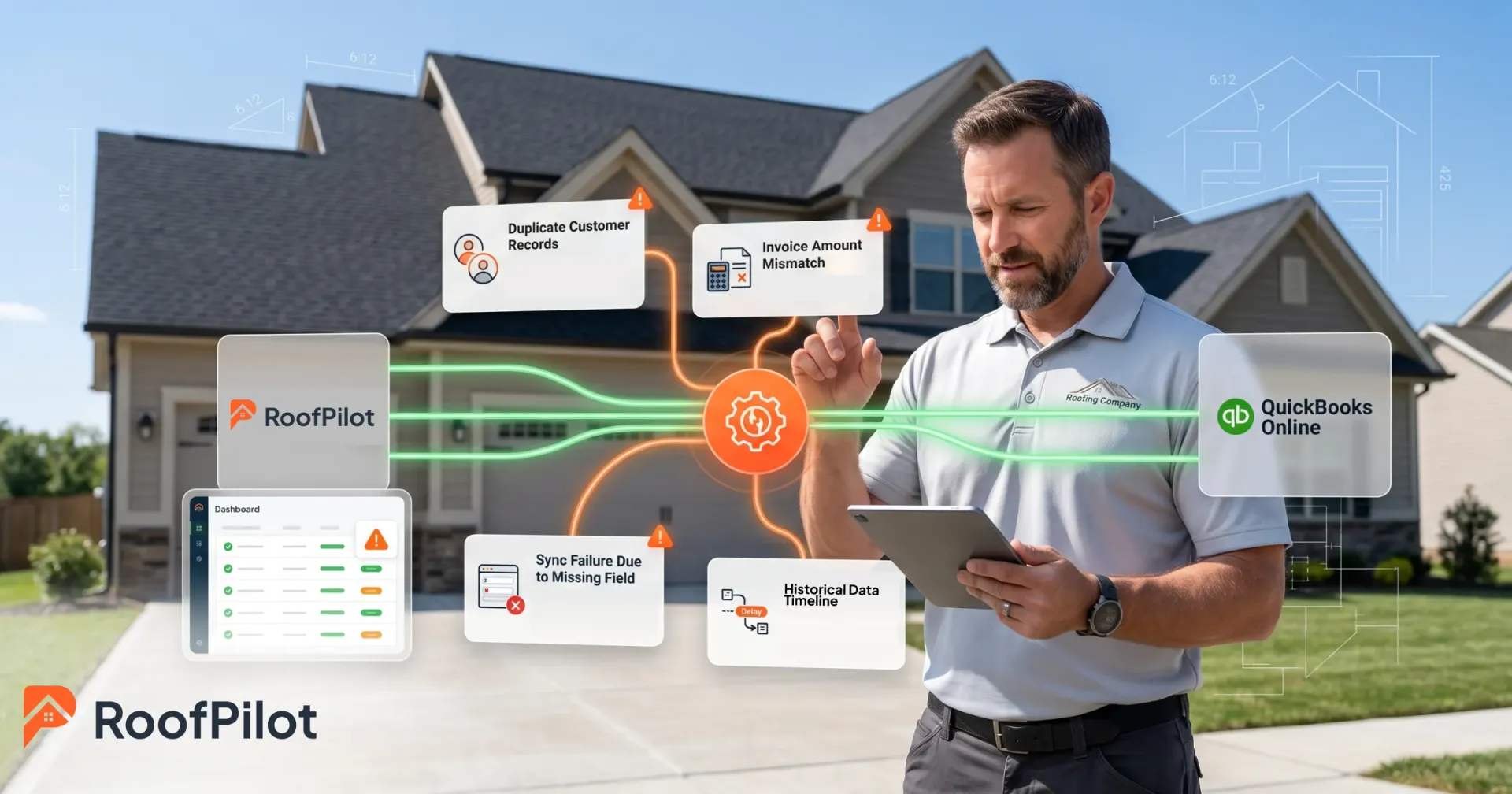
Duplicate customers are the most common. If the same customer exists in both systems under slightly different names — "Smith, John" in QuickBooks and "John Smith" in the roofing software — the integration may create a new record rather than matching the existing one. Clean up duplicates in QuickBooks before syncing, and configure your integration's matching rules to use email or phone as the unique identifier where possible.
Mismatched amounts are the second most frequent issue. An invoice for $12,500 in your roofing software shows up as $12,487.50 in QuickBooks. This is almost always caused by a difference in how taxes are calculated or how rounding is handled between the two systems. Review your tax settings in both systems and verify that the calculation methods match. This is usually a one-time fix once identified.
Sync failures — where specific transactions simply don't appear in QuickBooks — are usually caused by missing required fields, permission issues, or a network error during the sync. Most integrations maintain a sync log where you can see what failed and why. Required fields are the most common culprit: if an invoice is missing a customer email address that QuickBooks requires, it won't sync until the field is populated.
Historical data is a judgment call. Syncing months or years of historical transactions from your roofing software into a QuickBooks account that already has history is complex and risky. Most operations are better served by establishing a clean cutover date — everything before that date stays as-is in QuickBooks, everything from that date forward flows through the integration. Document the cutover date clearly so your accountant knows what's included in each system.

Working With Your Accountant on the Setup
Get your accountant or bookkeeper involved before you finalize the configuration, not after. They're the ones who will use the QuickBooks data for financial reporting, tax preparation, and month-end close — and they have opinions about how the chart of accounts should be structured, how roofing revenue should be categorized, and how deposits and retainage should flow through the system.
A 30-minute conversation before setup prevents hours of cleanup later. Share your planned field mapping with them, confirm how they want different types of roofing revenue categorized, and agree on the month-end procedures once the integration is running. If you don't have an accountant and want to find a qualified CPA familiar with construction businesses, the American Institute of CPAs maintains a directory.
QuickBooks Online vs. QuickBooks Desktop
Most roofing software integrations are built for QuickBooks Online, not Desktop. The cloud-based architecture of QBO makes real-time, bidirectional syncing straightforward. Desktop integrations typically require a sync application running on a local computer, support batch syncing only, and run into version compatibility problems as Desktop is updated less frequently than Online.
If you're already on QuickBooks Desktop and the integration with your roofing software works acceptably, there's no urgent reason to switch. But if you're setting up integration for the first time and have a choice, QuickBooks Online is the right starting point. The integration experience is significantly better and Intuit has made clear that Online is the platform they're investing in going forward.
Beyond QuickBooks

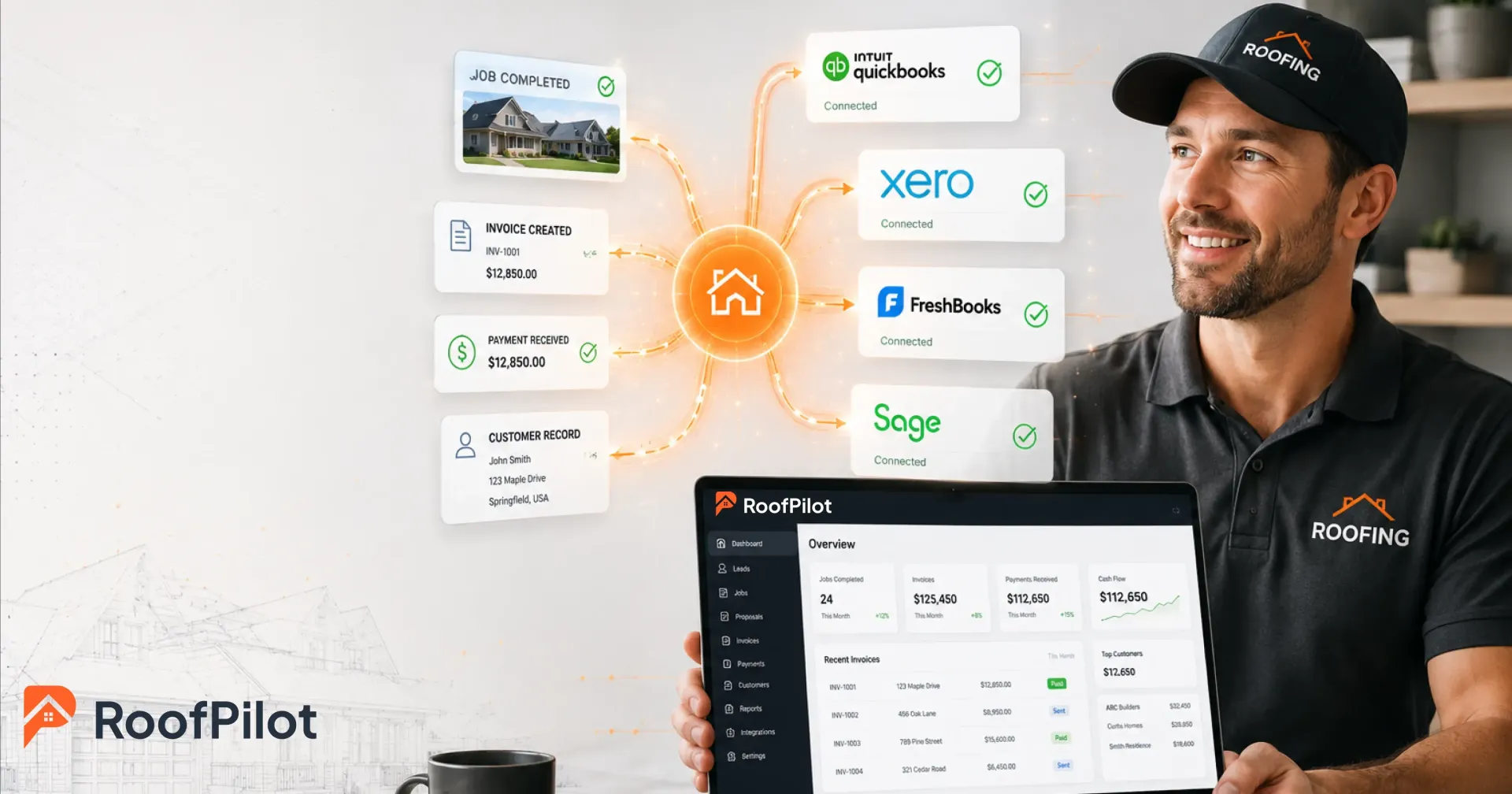
QuickBooks is the most common accounting platform for roofing businesses, but not the only one. Xero is a cloud accounting platform with similar integration capabilities and a following among smaller operations. FreshBooks suits very small businesses that don't need the full feature set of QuickBooks. Sage is used by larger operations with more complex accounting requirements.
The principle is the same regardless of which platform you use. If your roofing software connects to your accounting system, data flows automatically and your books stay current. If it doesn't, you're manually bridging the gap yourself. RoofPilot's roofing invoicing includes QuickBooks Online integration — invoices sync when created, payments sync when received, and customer records stay current in both systems without any manual entry.
What this means for your business: Integration is not a luxury for large operations — it's a time and accuracy improvement available to any roofing business running modern software. The setup investment is a few hours. The ongoing benefit is a financial picture that's current, accurate, and trusted by your accountant.
QuickBooks integration that actually works.
RoofPilot syncs invoices, payments, and customer data to QuickBooks Online automatically. No double entry. Always reconciled.
This is paragraph text. Click it or hit the Manage Text button to change the font, color, size, format, and more. To set up site-wide paragraph and title styles, go to Site Theme.