July 20, 2026

Roofing Invoice Templates That Get You Paid Faster

Author

Liam Walsh

9 minute read

Share

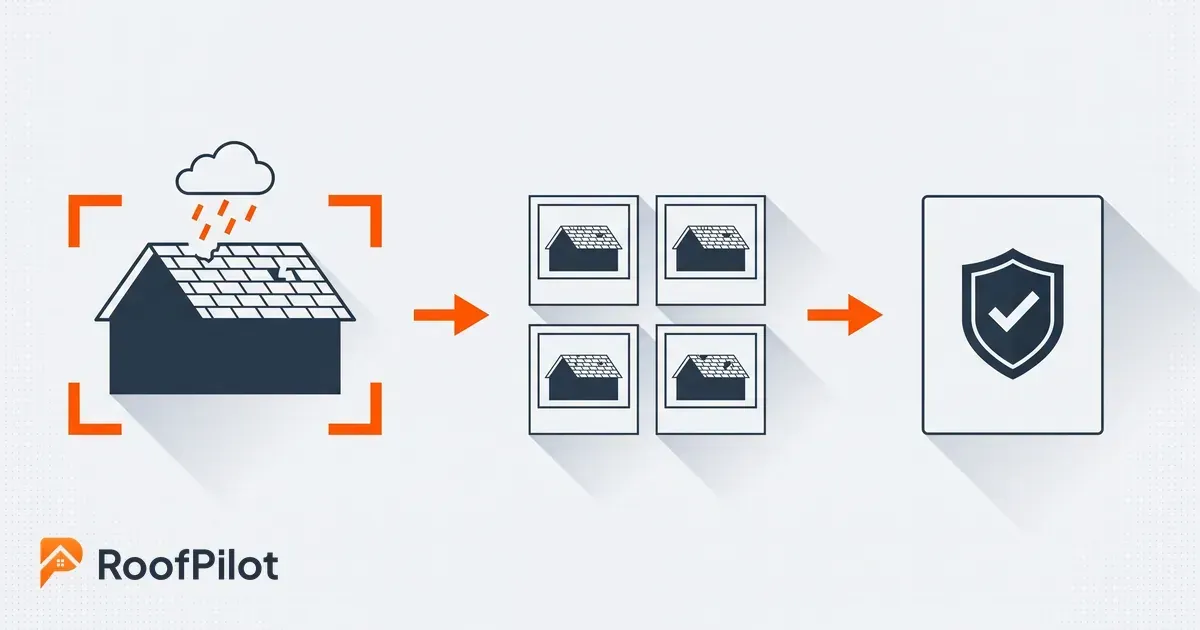
Professional roofing invoice flow from job complete to invoice sent, detailed line items, mobile payment screen, and confirmed payment received with funds deposited.

Your invoice is the last thing a customer sees before they decide to pay — and how you present it affects how quickly that happens. In 2026, customers increasingly expect to receive a digital invoice with a payment link they can tap from their phone. A handwritten invoice or a plain-text email with a dollar amount at the bottom creates friction that delays payment, sometimes by days. A clear, professional invoice that shows exactly what was done, what's owed, and how to pay removes that friction entirely.


Most roofers use whatever comes with their accounting software or default to informal invoices that lack the detail that protects them in disputes. This post covers what every roofing invoice needs to include, provides a complete template you can adapt, and walks through the practices that consistently result in faster collection. For a broader system covering deposits, payment terms, and collection escalation, see the full guide on getting paid faster. RoofPilot generates invoices automatically from completed jobs so none of this requires manual document creation.

What Every Roofing Invoice Needs to Include

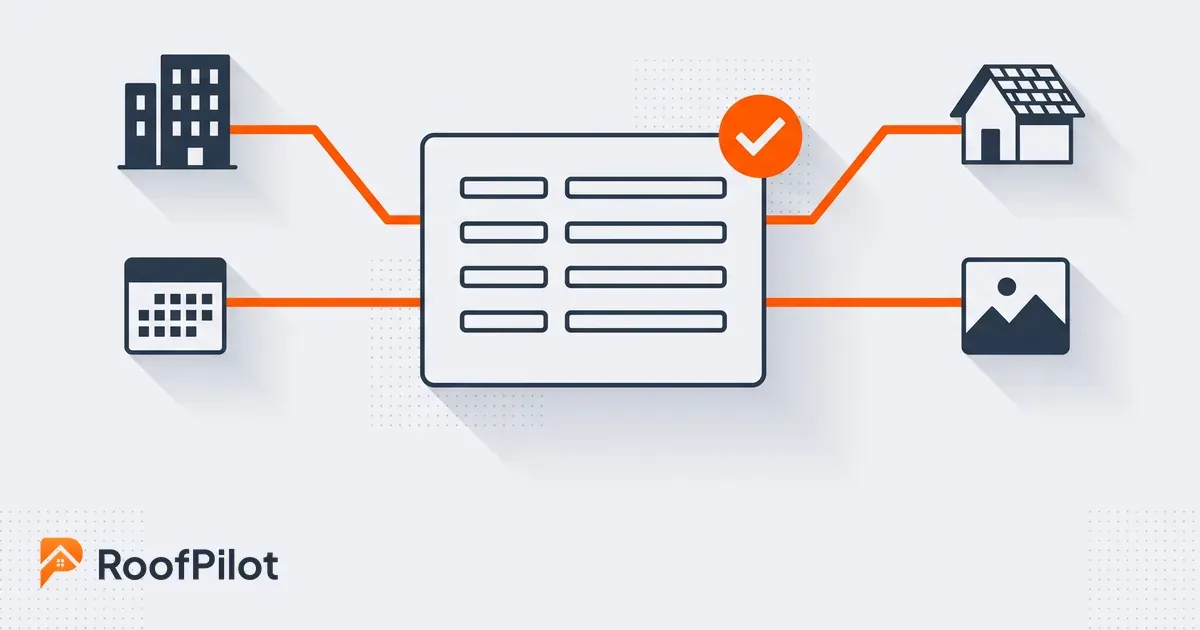
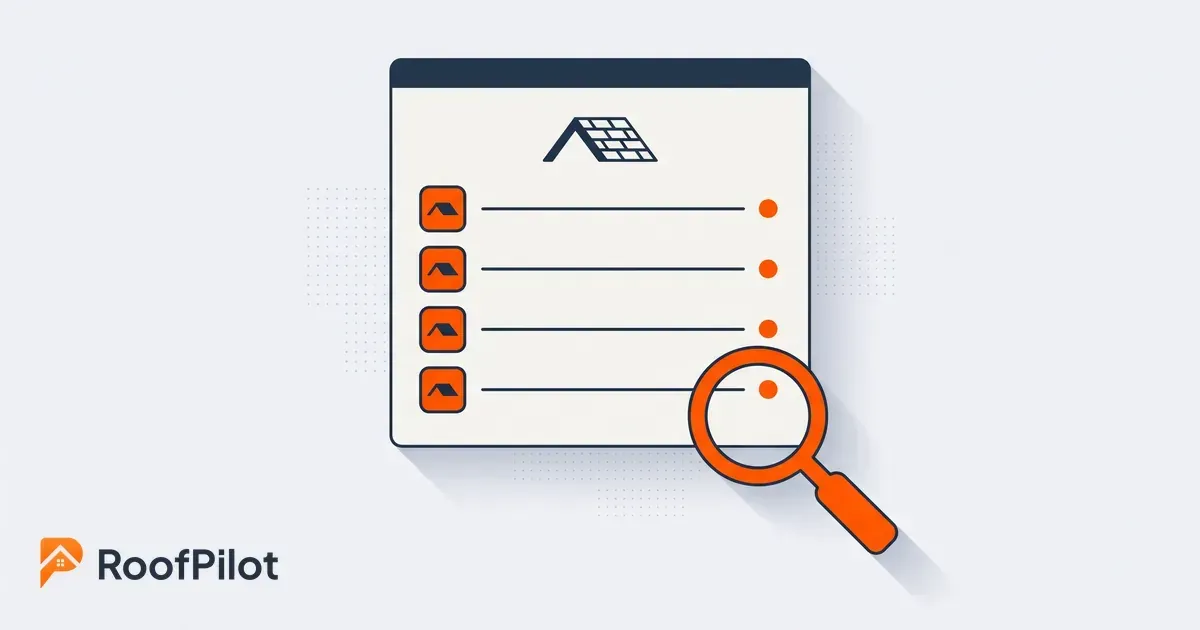
Clean professional roofing invoice template showing customer details, line items, balance due, payment options, and automated reminder notification.

This is paragraph text. Click it or hit the Manage Text button to change the font, color, size, format, and more. To set up site-wide paragraph and title styles, go to Site TheMost roofing jobs use a standard final invoice, but a few situations call for variations.


A progress invoice applies to larger jobs where the contract specifies milestone payments. It shows which milestone is being billed, references the payment schedule from the original contract, and displays the remaining balance due after this payment. For a $15,000 job split into three equal payments, the second progress invoice would show $5,000 due and $5,000 remaining after completion.


A change order invoice documents additional work beyond the original scope — decking repairs found during tear-off, an additional vent the customer requested, anything that wasn't in the signed proposal. It references the original contract, clearly marks the charges as additional work, and references the change order approval (ideally a signed document or a dated text/email confirmation).


A deposit invoice goes out at contract signing before any work begins. It states clearly that it's a deposit request, references the signed proposal, and specifies that it's partial payment with the balance due at completion.


An insurance supplement invoice covers additional approved scope on storm damage jobs. It references the claim number, shows the original insurance approval alongside the supplement amount, and may need to be addressed to the insurance company directly depending on how the claim is structured.


Practices That Get Invoices Paid Faster

The invoice format matters, but when and how you send it matters just as much.


Send the invoice the same day work is completed — ideally before you leave the job site. The customer is satisfied, the work is fresh in their mind, and there's no reason to delay. Waiting two or three days to invoice adds two or three days to your collection cycle on every single job. Roofing invoice software can generate and send the invoice automatically when a job is marked complete, removing any lag entirely.


Include a direct payment link in every invoice you send digitally. A customer who can pay by tapping a link on their phone will pay faster than one who needs to find a checkbook and an envelope. Make every payment method available — card, ACH, and check — and lead with the option that's fastest for you to receive.


Set up a systematic follow-up sequence rather than relying on memory. A reminder three days before the due date, a notice on the due date, and a follow-up at three days past due with a late fee reminder is enough structure to capture the vast majority of payments without manual effort. This is the same principle as the reminder sequence detailed in the cash flow system — the goal is consistency, not pressure.


Connect every invoice back to the signed roofing proposal. Reference the proposal number in the work description. This does two things: it gives the customer an easy way to verify that the charges match what they agreed to, and it creates a paper trail that protects you if a payment dispute surfaces later.


What this means for your business: The single highest-impact change most roofers can make to their invoicing process is same-day sending with a payment link included. Everything else — reminder sequences, late fees, professional formatting — compounds on top of that foundation.


Complete Roofing Invoice Template

Copy and adapt this template for your business. Every field in brackets needs to be replaced with your information.


[YOUR COMPANY LOGO]


[Company Name]

[Street Address] · [City, State ZIP]

[Phone] · [Email] · [Website]

License #: [Number]


INVOICE

- -
Invoice Number INV-2026-0142
Invoice Date March 15, 2026
Due Date March 22, 2026

Bill To:

[Customer Name]

[Billing Address, City, State ZIP]

[Email] · [Phone]


Property Address: [If different from billing address]


Work Performed:


Reference: Proposal #P-2026-0089, signed March 8, 2026


Complete roof replacement at [property address] including removal and disposal of existing roofing materials, inspection and repair of roof decking as needed, installation of synthetic underlayment, ice and water shield at eaves and valleys, GAF Timberline HDZ architectural shingles (Color: Charcoal), new aluminum drip edge, new pipe boots and roof vents, complete debris cleanup and magnetic nail sweep.


Work completed: March 15, 2026


Charges:

Description Amount
Roof replacement per signed proposal $12,500.00
Additional decking repair — 6 sheets, approved 3/14 $450.00
Subtotal $12,950.00
Deposit received (3/10/2026) −$4,000.00
Balance Due $8,950.00

Payment Terms:

Payment is due upon receipt. A late fee of 1.5% monthly will be applied to balances over 7 days past due per contract terms.


Payment Options:

  • Pay Online: [Payment Link]
  • By Phone: Call [Phone] to pay by card
  • Check: Payable to [Company Name], mail to address above


Thank you for your business. Your new roof is covered by a 10-year workmanship warranty. We recommend annual inspections to maintain optimal condition. Questions? Contact us at [Phone] or [Email].

Invoice Types for Different Situations

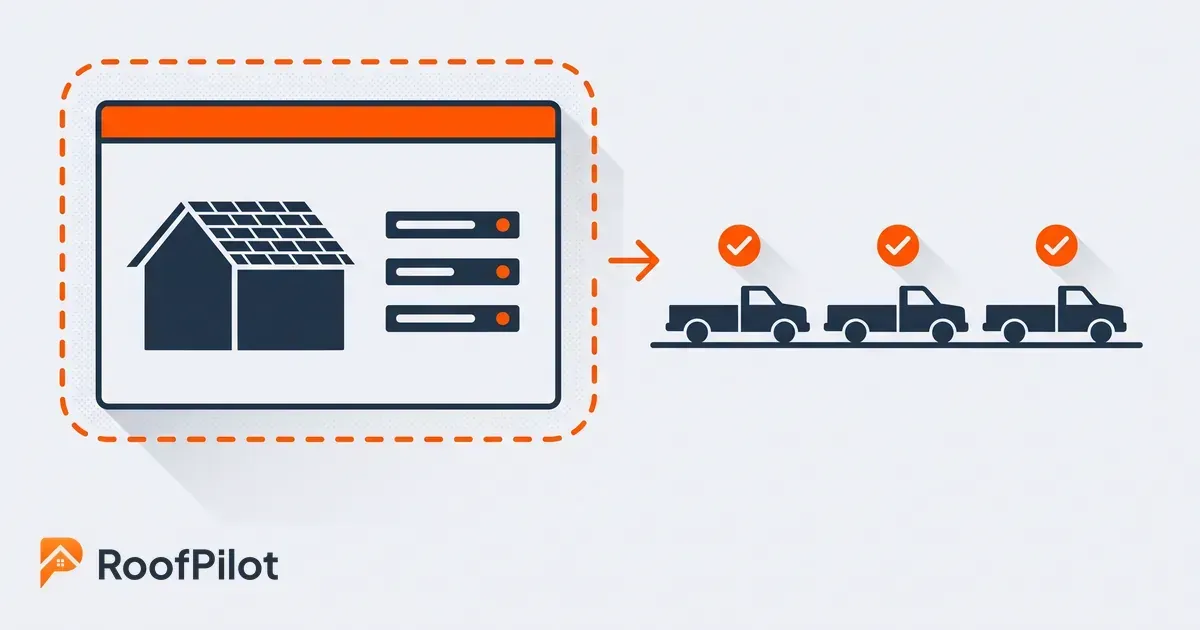
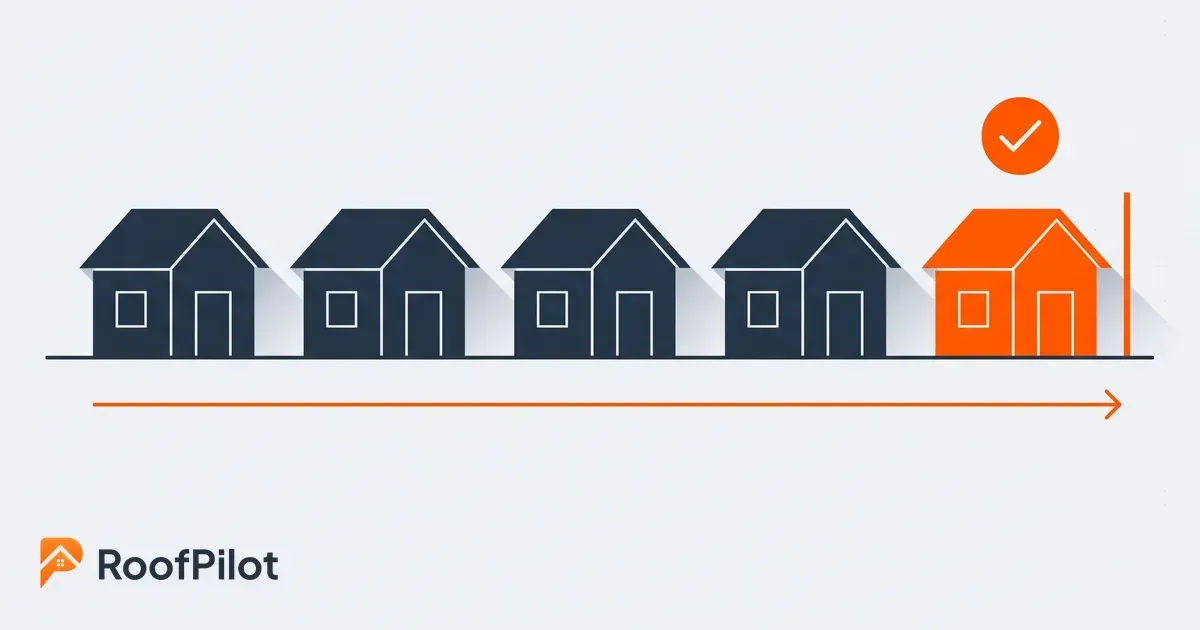
Flowchart showing best roofing invoicing practices including deposit invoice, progress invoice, change order invoice, and insurance supplement invoice.

Most roofing jobs use a standard final invoice, but a few situations call for variations.


A progress invoice applies to larger jobs where the contract specifies milestone payments. It shows which milestone is being billed, references the payment schedule from the original contract, and displays the remaining balance due after this payment. For a $15,000 job split into three equal payments, the second progress invoice would show $5,000 due and $5,000 remaining after completion.


A change order invoice documents additional work beyond the original scope — decking repairs found during tear-off, an additional vent the customer requested, anything that wasn't in the signed proposal. It references the original contract, clearly marks the charges as additional work, and references the change order approval (ideally a signed document or a dated text/email confirmation).


A deposit invoice goes out at contract signing before any work begins. It states clearly that it's a deposit request, references the signed proposal, and specifies that it's partial payment with the balance due at completion.


An insurance supplement invoice covers additional approved scope on storm damage jobs. It references the claim number, shows the original insurance approval alongside the supplement amount, and may need to be addressed to the insurance company directly depending on how the claim is structured.


Practices That Get Invoices Paid Faster

 The invoice format matters, but when and how you send it matters just as much.


Send the invoice the same day work is completed — ideally before you leave the job site. The customer is satisfied, the work is fresh in their mind, and there's no reason to delay. Waiting two or three days to invoice adds two or three days to your collection cycle on every single job. Roofing invoice software can generate and send the invoice automatically when a job is marked complete, removing any lag entirely.


Include a direct payment link in every invoice you send digitally. A customer who can pay by tapping a link on their phone will pay faster than one who needs to find a checkbook and an envelope. Make every payment method available — card, ACH, and check — and lead with the option that's fastest for you to receive.


Set up a systematic follow-up sequence rather than relying on memory. A reminder three days before the due date, a notice on the due date, and a follow-up at three days past due with a late fee reminder is enough structure to capture the vast majority of payments without manual effort. This is the same principle as the reminder sequence detailed in the cash flow system — the goal is consistency, not pressure.


Connect every invoice back to the signed roofing proposal. Reference the proposal number in the work description. This does two things: it gives the customer an easy way to verify that the charges match what they agreed to, and it creates a paper trail that protects you if a payment dispute surfaces later.


What this means for your business: The single highest-impact change most roofers can make to their invoicing process is same-day sending with a payment link included. Everything else — reminder sequences, late fees, professional formatting — compounds on top of that foundation.

Common Invoice Mistakes That Delay Payment

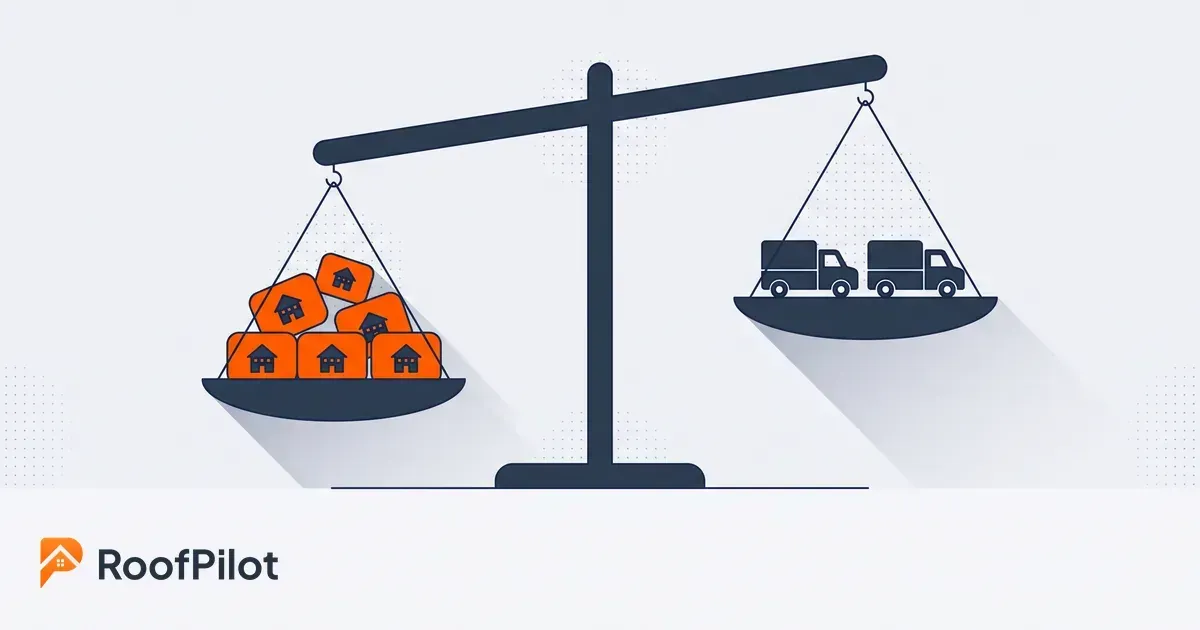
Bad roofing invoice with vague descriptions and overdue status versus professional detailed invoice with clear line items and paid confirmation.

The most common problem is vague work descriptions. "Roof work — $12,500" gives a customer nothing to verify and leaves open the possibility that they set the invoice aside to check against their records. A full description referencing the proposal number removes that reason to wait.


Missing payment instructions are the second most frequent issue. An invoice that tells a customer they owe $8,950 but doesn't explain how to pay sends them to their email or voicemail to find out — which is friction that adds days. Include a payment link, phone number, and mailing address on every invoice.


Failing to credit deposits is a recurring source of confusion and disputes. If a customer paid a $4,000 deposit and receives an invoice showing $12,950 with no deposit credited, they will call or email before paying. Show the deposit as a clear line item credit with the date it was received.


Delayed sending compounds everything. Every day between job completion and invoice delivery is a free day the customer doesn't owe you anything. Invoice the same day work is done.


Invoice Tracking and Record-Keeping

Every invoice you send needs to be tracked — invoice number, customer, amount, due date, and payment status. This isn't just good business practice; the IRS requires businesses to maintain records of all financial transactions, and invoices are the primary documentation for revenue received.


An aging report — invoices grouped by current, 1–30 days past due, 31–60 days past due, and 60-plus — tells you at a glance where your collection efforts should be focused. Most operations find that the bulk of their overdue balances cluster in one category, which points to a specific stage in the collection process that needs attention.


For jobs where you're also tracking labor hours and material costs against estimates, connecting invoice data to your job costing gives you the complete picture of profitability — not just what was billed, but what was earned after costs.


Professional invoices that get paid fast.


RoofPilot generates invoices automatically from completed jobs, sends them instantly with a payment link, tracks status, and follows up on overdue balances automatically.


Start for Free | See Invoicing Features

This is paragraph text. Click it or hit the Manage Text button to change the font, color, size, format, and more. To set up site-wide paragraph and title styles, go to Site Theme.

This is paragraph text. Click it or hit the Manage Text button to change the font, color, size, format, and more. To set up site-wide paragraph and title styles, go to Site Theme.


Happy roofer holding tablet displaying financial dashboard
By Liam Walsh July 17, 2026
How to track roofing job costs, calculate true profit margins, and use the data to improve estimates — a practical job costing guide for roofers.
Roofer holding tablet showing job completed workflow with final payment still missing
By Liam Walsh July 13, 2026
How to get paid faster on every roofing job — deposit structures, payment terms, and invoicing tools that cut days-to-payment and protect cash flow.
Homeowner signing roofing contract on phone with verified digital signature
By Liam Walsh July 10, 2026
How to implement digital signatures for roofing contracts — legal validity, setup options, best practices, and how e-signatures close deals faster.
Roofer reviewing detailed roofing contract agreement with couple at kitchen table
By Liam Walsh July 6, 2026
What every roofing contract needs to protect your business — scope, payment terms, warranty language, change orders, and the clauses that prevent disputes.
Roofer presenting professional multi-option roofing proposal example on large tablet to homeowners
By Liam Walsh July 3, 2026
Roofing proposal examples for residential, storm damage, multi-option, and commercial jobs — with templates and the structure that turns estimates into signed contracts.
Roofer presenting professional digital roofing proposal on tablet to smiling homeowners
By Liam Walsh June 29, 2026
How roofing proposal software helps you quote faster, present professionally, and close more jobs — what to look for and how to get the most out of it.
Roofer doing door to door roofing sales showing tablet proposal to smiling homeowner at front door
By Liam Walsh June 26, 2026
How to run door-to-door roofing sales that actually work — territory strategy, opening scripts, objection handling, and the CRM setup that ensures no lead gets dropped.
Roofer in truck using roofing lead follow-up system on tablet
By Liam Walsh June 22, 2026
The roofing lead follow-up sequence that converts more estimates — timing, scripts, and templates for phone, text, email, and the CRM setup that makes it automatic.
Roofer reviewing roofing marketing dashboard with closed jobs, revenue, and cost per lead
By Liam Walsh June 19, 2026
How to track roofing lead sources and calculate true marketing ROI — from setup to monthly review — invest in what actually closes jobs, not just generates leads.
Roofer closing more roofing jobs by presenting clear proposal on tablet to smiling homeowner
By Liam Walsh June 15, 2026
How to close more roofing jobs without adding headcount — speed, professional proposals, a repeatable sales process, and the follow-up system that converts.