August 7, 2026

How to Train Your Roofing Team on New Software (Without the Drama)

Author

Liam Walsh

9 minute read

Share

roofing software training

You bought the software. You've seen what it can do. But six months later, half your team is still writing things on paper and the other half is using the system differently than everyone else. The investment hasn't paid off, not because the software is bad, but because the rollout never had a real plan.

Software adoption is one of the most consistent failure points for roofing operations making the jump to modern tools in 2026. The gap between "we purchased it" and "everyone uses it" is where most of the value gets lost. Training alone isn't what closes that gap. The combination of early buy-in, focused rollout, and deliberate follow-through is what separates a team that adopts new tools from one that quietly reverts to the old way within a month. RoofPilot is designed to be fast to learn, but even the simplest platform fails if nobody on the team is actually using it.

This guide covers how to approach a software rollout so the adoption is real, not just initial.

Why New Software Fails (Before Training Even Starts)

The resistance most roofers encounter when rolling out new software isn't really about the software. It's about change, and three underlying concerns drive most of the friction.

The first is a perceived threat to job security. When you tell a crew that you're implementing a new system that tracks everything, some people hear that as surveillance or as a precursor to cutting staff. If that concern isn't addressed directly before the rollout starts, it creates quiet resistance that looks like technical confusion.

The second is past failure. Many roofers have tried software before (a CRM that nobody updated, an estimating tool that got abandoned after two weeks) and they've internalized the lesson that these implementations don't stick. They'll tolerate the training, but they won't commit until the new system has proved it's different from the last one.

The third is a genuine workload concern. Field reps and crews are busy. The time it takes to learn something new is real, and if you ask them to add learning on top of a full schedule without any acknowledgment of that cost, the request feels unreasonable. It is unreasonable, until you explain what they get on the other side of it.

Addressing all three of these before training begins, not during, not after, is what separates rollouts that stick from ones that don't.

Getting Buy-In Before You Train Anyone

The most effective adoption strategy starts weeks before the first training session, at the selection stage. When team members have had input into which platform you chose, even a small amount, they have ownership in its success rather than watching from the outside.

Involving the people who will use the tool most in the decision doesn't mean letting them pick the software. It means asking them what problems they need the software to solve, including them in at least one demo, and soliciting their feedback before you commit. Most of the time you'll choose the same platform you were going to choose anyway. But the people who were asked will approach the rollout differently than the people who were surprised by it.

When you announce the new platform, don't just describe the features. Describe the specific problem it solves and what each role gets out of using it. "Our roofing CRM will mean leads stop slipping through the cracks" is a reason to care. "The software tracks lead status" is a feature nobody asked for. People adopt tools that solve their problems, not tools that solve your organizational problems.

Phased Rollout vs. All-at-Once

roofing team management

There's no universally correct approach to timing a software rollout, and the right choice depends on your team size and the complexity of the platform.

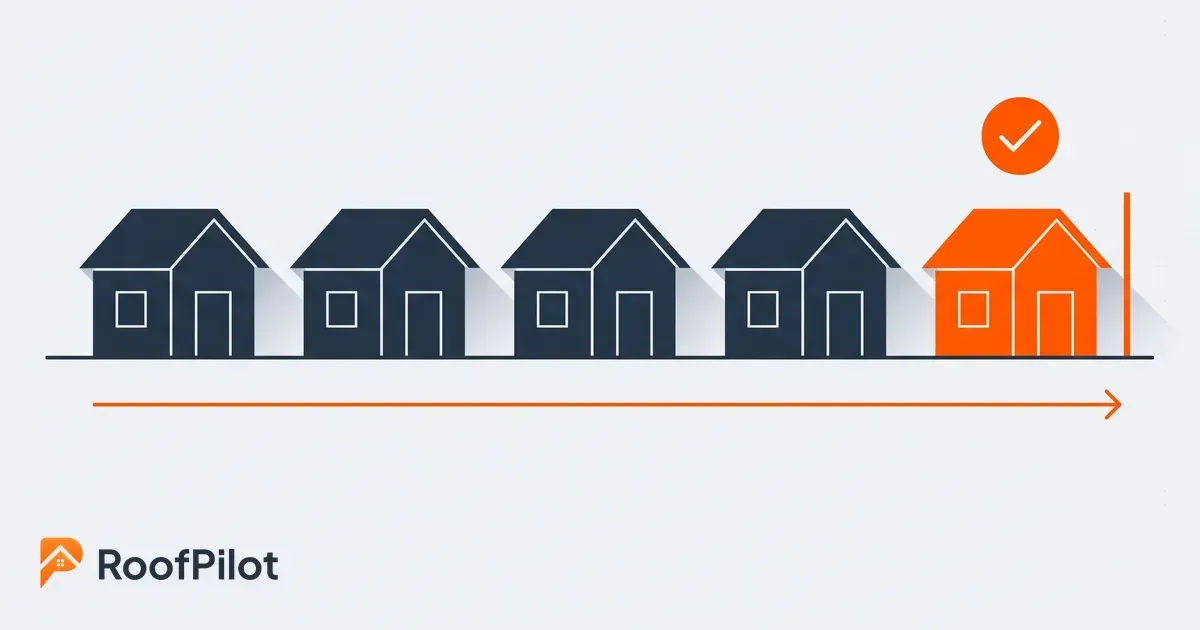
A phased rollout, starting with one function or one team and expanding over several weeks, gives you time to work through problems before they affect everyone. Champions emerge naturally from early adopters who can then help their peers. Feedback from the first wave shapes how you train the second. The trade-off is that parallel systems run simultaneously during the transition, which creates inconsistencies in data and workflow until the rollout is complete.

An all-at-once cutover is cleaner. You set a date, the old system goes away, and the new system is the only option. This forces the issue and avoids the ambiguity of "some people are on the new system and some aren't." It requires more preparation and more support capacity in the first few weeks, and it carries more risk if problems arise. For operations with fewer than ten people, the all-at-once approach often works well. For larger teams, a phased rollout typically produces better adoption outcomes.

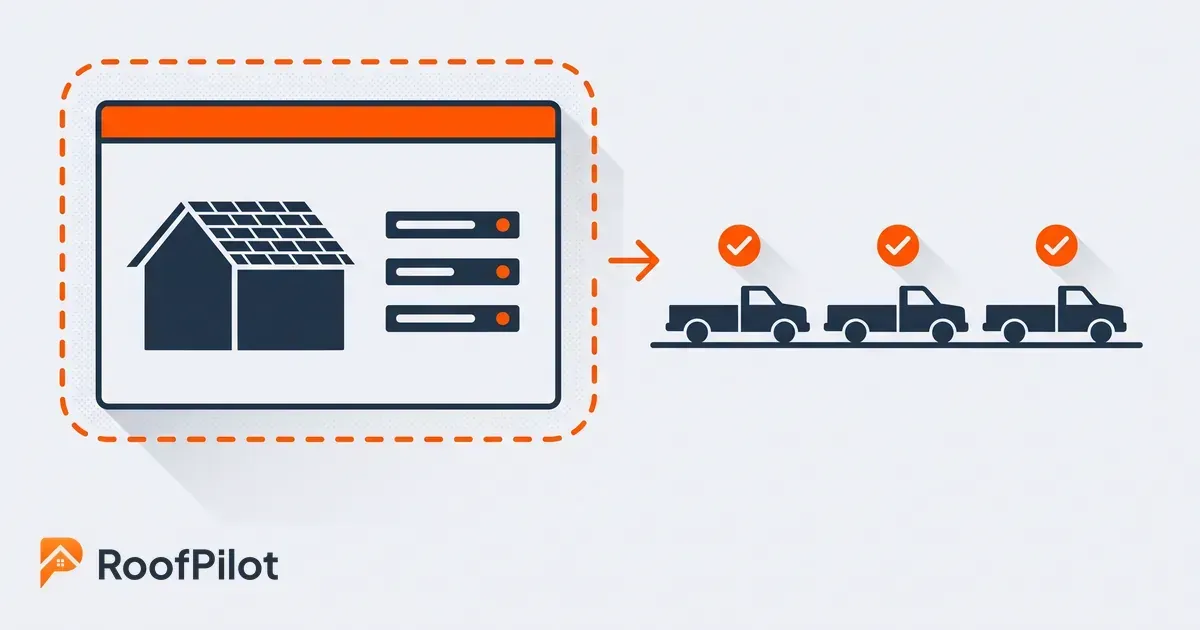
Regardless of which approach you use, the timeline for the average person to reach basic proficiency on a new roofing platform is about one to two weeks of regular use. That's the planning horizon. Not a three-day sprint, not six months, just two weeks of consistent daily use.

Training Methods That Work

The format of training matters as much as the content. Long marathon sessions (three hours in a conference room walking through every feature) produce very little retention and a lot of frustration. Short, focused sessions on one function at a time produce the opposite.

According to Harvard Summer School, the techniques that help people retain what they learn are active ones, spacing repetition out over time, practicing a skill directly, and applying feedback, rather than a single pass through the material. A 20-to-30-minute session on adding a new lead, followed by practicing that specific function with real scenarios, followed by independent use the same day, will produce more adoption than a comprehensive onboarding session that covers everything once.

Train in order of what people will actually do every day. For a field rep, the starting set is: logging a new lead, noting a call, and checking their schedule. For office staff: creating a proposal, updating a job status, and pulling a report. Advanced features come later, after the basics are habitual. A person who has been entering leads for two weeks can absorb the proposal workflow. A person who is still uncertain about lead entry can't absorb anything else on top of it.

The most underutilized training resource in most rollouts is peer expertise. When one person on the team genuinely masters the platform first, their ability to help colleagues is more effective than any vendor tutorial. That peer knows the specific workflows your team uses, the terminology your office uses, the shortcuts that matter for your particular setup. Identify who that person will be early, invest in their depth of knowledge, and make helping others part of their role during the rollout.

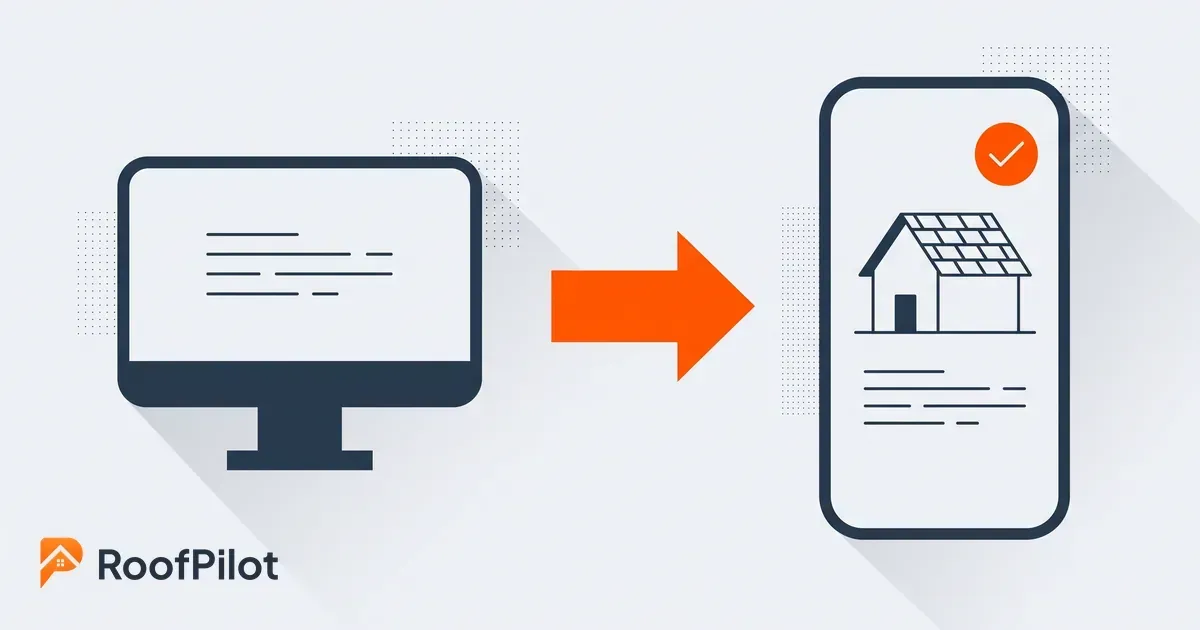
For field teams specifically, the training should happen primarily through the mobile interface, not on a desktop. The way a crew lead looks up a job on their phone is different from how an office admin looks up a job on a browser. Training on the right interface from the start prevents the "it works differently on my phone" confusion that slows adoption. For new hires specifically, starting their onboarding alongside the software rollout means they learn the system as the default from day one, a principle covered in the full guide to hiring roofing crews.

What this means for your business: The goal of training is not knowledge transfer, it's habit formation. You need people to use the system until it's the default, not until they've been told how it works. Those are different thresholds, and reaching the second one takes longer and requires more repetition than most rollout plans allow.

Handling Resistance

train team on software

Some level of resistance is normal and expected. The error is treating it as a technology problem rather than a communication problem.

The most common objection, "I don't have time to learn this right now," is a scheduling problem, not a commitment problem. Block specific training time on the calendar and protect it. An open-ended request to "find time to learn the new system" produces indefinite postponement. A 30-minute Tuesday morning session on the calendar produces a 30-minute Tuesday morning session.

The second most common objection is "the old way works fine." The right response to this is specific, not general. Don't argue that the new system is better in the abstract. Name the specific thing that isn't working with the old way (leads that aren't followed up, proposals that take three days to turn around, schedule confusion that requires ten phone calls to resolve) and connect the new system to fixing that specific problem. Asking for a two-week trial on a specific workflow is more effective than asking for a full commitment to a new way of doing everything.

The hardest case is the person who says they'll use the system and then doesn't. This is almost always a training gap masquerading as attitude. Before concluding that someone is unwilling, verify that they're actually able. Sit down with them on the specific function they're skipping, do it together in real time, and find where the confusion is. Nine times out of ten, there's a step they don't understand and they're avoiding the system because they don't want to admit it.

Measuring Whether Adoption Is Actually Happening

software adoption roofing

Adoption isn't binary, and it's not measured by whether someone attended a training session. The real measure is whether the system is being used consistently in daily operations.

At 30 days, the question is basic: is everyone logging in regularly, and are the core functions being used? Are leads being entered in the system rather than a notebook? Are proposals going out from the platform rather than email attachments? If the answer is no for any significant portion of the team, identify why now rather than at 90 days.

At 60 days, the question shifts to consistency. Are people using the system without being reminded? Is the data in the system reliable enough to make scheduling and business decisions from? This is also when patterns diverge from what the original roofing software comparison showed. A platform that scored well on features can still underperform on adoption if the daily workflow doesn't fit how your team actually works.

At 90 days, the question is whether it has become "how we do things." New hires should be trained on the system from day one as the default method, not as something they learn alongside the old way. If reaching this stage still requires reminders or enforcement, there's a structural issue with the rollout design that's worth diagnosing, whether the training wasn't thorough enough, the workflow doesn't fit the tool, or there's a feature gap that's making a specific role's job harder rather than easier.

What this means for your business: A 30-60-90 day check-in isn't administrative overhead, it's the mechanism that separates a successful rollout from a gradual reversion. Build these check-ins into the rollout plan before you start, not as a reaction to problems after.

Related reading:


how to choose a roofing photo app
By Liam Walsh September 7, 2026
How to choose a roofing photo app your crew will actually keep using, the eight features that matter, and why integration decides whether the habit survives.
roofing marketing strategies
By Liam Walsh September 4, 2026
A grounded look at roofing marketing in 2026, the strategies winning work now, why reviews and local search still decide the year, and what is getting pricier.
estimated vs actual roofing jobs
By Liam Walsh August 31, 2026
How to reconcile estimated versus actual on every roofing job, the variance math worked step by step, where jobs go over, and how to feed it into your next bid.
roofing company outgrows spreadsheets
By Liam Walsh August 28, 2026
The signs a roofing company has outgrown spreadsheets, what a spreadsheet still does well, and how to move your jobs to a real system without losing your data.
aerial roof measurements
By Liam Walsh August 24, 2026
See how aerial and satellite roof measurements work, how accurate they really are, which free options are worth trying, and when a paid report earns its keep.
before and after roofing photos
By Liam Walsh August 21, 2026
Before and after roofing photos protect against disputes, support insurance claims, and give homeowners something to share. How to document every job the right way.
job site photos roofing
By Liam Walsh August 17, 2026
Job site photos help roofers win proposals, prevent disputes, and generate referrals. Here's how to use them strategically on every job.
recession proof roofing business
By Liam Walsh August 14, 2026
How to prepare your roofing business for an economic downturn, cash reserves, cost structure, pricing discipline, and what to do when revenue slows.
why roofing businesses fail
By Liam Walsh August 10, 2026
The most common reasons roofing businesses fail, from cash flow and underpricing to lead management and the operational blind spots that catch most roofers off guard.
how to hire roofers
By Liam Walsh August 3, 2026
How to hire roofing crews that are reliable, skilled, and stay long-term, where to find workers, how to screen them, and how to keep the ones worth keeping.