May 13, 2026

Roofing Software: All-in-One Platform vs. Multiple Specialized Tools

Author

Liam Walsh

9 minute read

Share

Every roofer eventually faces the same choice: use one comprehensive platform that handles everything, or piece together a set of specialized tools — one for the CRM, one for measurements, one for proposals, and so on.


The market hasn't made this easier. A browse through any roofing software directory turns up dozens of products, each built around one part of the job cycle. The result for many roofing companies is four or five subscriptions, a tangle of integrations, and no single clear view of the business. At the same time, material cost volatility in 2026 has made accurate, real-time estimating software more critical than ever — which raises the stakes of getting this decision right.


This guide breaks down how the two approaches compare on cost, complexity, and how well each holds up as your business grows.

Complete roofing business workflow from client meeting to paid invoice using all-in-one roofing software instead of multiple specialized tools

What Roofing Software Needs to Do

Before comparing approaches, it helps to map out what a fully operational roofing company actually requires from its software.


At a minimum, you need tools that handle lead tracking and customer communication, roof measurements, estimating, proposal creation, job scheduling, and invoicing. More established companies add material ordering, job site photo documentation, and business performance reporting on top of that.


That's a significant list — and each item on it can be handled by a dedicated specialized tool, by a single all-in-one platform, or by some mix of both. Which approach makes sense depends on your size, your technical capacity, and how much friction you're willing to accept in day-to-day operations.

Roofer managing his business with multiple specialized roofing tools and dashboards versus a clean all-in-one roofing platform

The Multi-Tool Approach

The multi-tool approach means selecting the best specialized product for each function and connecting them together. A typical stack might include a standalone CRM, a separate aerial measurement service, dedicated proposal software, a scheduling tool, and a payments platform — each from a different vendor.


The appeal is real. Each tool is purpose-built for its function. If one product stops working for you, you can swap it without touching the rest of the stack.


The reality is messier. Tools built by different companies for different purposes don't naturally share data. Getting them to communicate usually requires integration middleware — which adds another subscription, another point of failure, and ongoing time spent troubleshooting when a software update breaks a connection. Lead data lives in the CRM. Job status lives in the scheduling tool. Photos live in the photo app. Nothing is in one place, and the owner or office manager ends up manually moving information between systems.


There's also the cost, which looks deceptive when you view each subscription in isolation. When you add them all up — including per-report fees from measurement services, integration software, and the hours spent transferring data manually — the true total almost always exceeds the sticker price.


Estimated real cost — mid-sized company doing 150 jobs per year:

Category Estimated Monthly
CRM (multi-user) $150
Measurement reports (per-report fee, avg.) $250
Proposal software $40
Job site photo documentation $30
Scheduling tool $25
Integration middleware $30
Subtotal ~$525/mo ($6,300/year)

Add time costs on top: fixing broken syncs, manually re-entering data, and training staff across multiple interfaces. A realistic fully-loaded annual cost typically runs $14,000–$16,000 or more.


What this means for your business: The multi-tool stack feels cheaper because you're looking at individual line items, not the aggregate. Before comparing it to an all-in-one platform, add up every subscription, every per-use fee, and an honest estimate of staff hours spent keeping it running. The number is almost always higher than expected.

Woman using the best roofing software on an ultrawide monitor, showing a complete all-in-one roofing platform with pipeline, scheduling, and financial data

The All-in-One Approach

An all-in-one roofing platform bundles the essential functions — CRM, measurements, estimates, proposals, scheduling, invoicing, material ordering — into a single system with a single login.


The core advantage is that data flows automatically between functions. Measurements feed into estimates. Estimates turn into proposals. Signed proposals trigger scheduling. Completed jobs generate invoices. Nothing needs to be manually re-entered, and nothing gets lost between systems. With RoofPilot, every customer record shows every interaction, every estimate, every job, and every payment in one place.


The practical benefits are cumulative. Your team learns one interface instead of six. Support comes from one vendor. Reporting is actually useful because all your data is in one system. And as your business grows, one integrated platform scales significantly better than a stack of disconnected tools — a point covered in depth in the guide to scaling a roofing business.


The trade-off is reduced flexibility. You're committing to one vendor, so if a specific feature doesn't suit your workflow exactly, you can't swap it out independently. Implementation also takes more upfront effort than adding a single tool — but that's a one-time investment rather than ongoing overhead.


Estimated real cost — same company, 150 jobs per year:

Estimated Annual Cost
All-in-one platform ~$3,600–$5,500/year
Per-report measurement fees $0
Integration middleware $0
Manual data re-entry time $0
True total ~$3,600–$5,500/year

See RoofPilot pricing for current plan details.


Head-to-Head Comparison

Multi-Tool Stack All-in-One Platform
Monthly subscription cost $400–700+ $150–500
Per-report measurement fees Common None
Integration maintenance burden High None
Data re-entry between systems Frequent Eliminated
Systems to learn 5–8 1
Single source of truth No Yes
Feature depth per function High Good overall
Flexibility to swap tools High Low
Scales with business growth Poorly Well

Which Approach Fits Your Business

The multi-tool approach tends to work in specific situations: your business has requirements no all-in-one platform handles well, you already have deep workflows built around existing tools, or you have dedicated technical staff to manage integrations. Very small solo operators who only need one or two tools, and large enterprise operations with IT departments, can also make it work.


For most roofing companies in the $500K–$5M range, all-in-one is the better fit. You're large enough that disconnected tools create real operational friction, but you don't have the infrastructure to manage that friction professionally. A single platform — with integrated roofing CRM, measurements, proposals, and invoicing — is simpler to operate and consistently cheaper when you count the full cost.


If you're currently on a multi-tool stack and considering the switch, the transition is manageable. Document your current workflows before you start, clean your contact and job data before migrating, and plan for a short period running both systems in parallel. Most roofers who make the transition say the biggest surprise is discovering how much time they'd been losing to the old setup — time they didn't recognize as a real cost until it was gone.


The Bottom Line

The all-in-one vs. multi-tool question comes down to this: how much of your time and money are you willing to spend managing software instead of running your business?


For most roofers, the answer is as little as possible. A single platform that covers the full job cycle — from the first lead to the final invoice — removes the overhead that fragmented tool stacks create. For the majority of growing roofing companies, it's the more practical and cost-effective choice.


By Liam Walsh • October 26, 2026
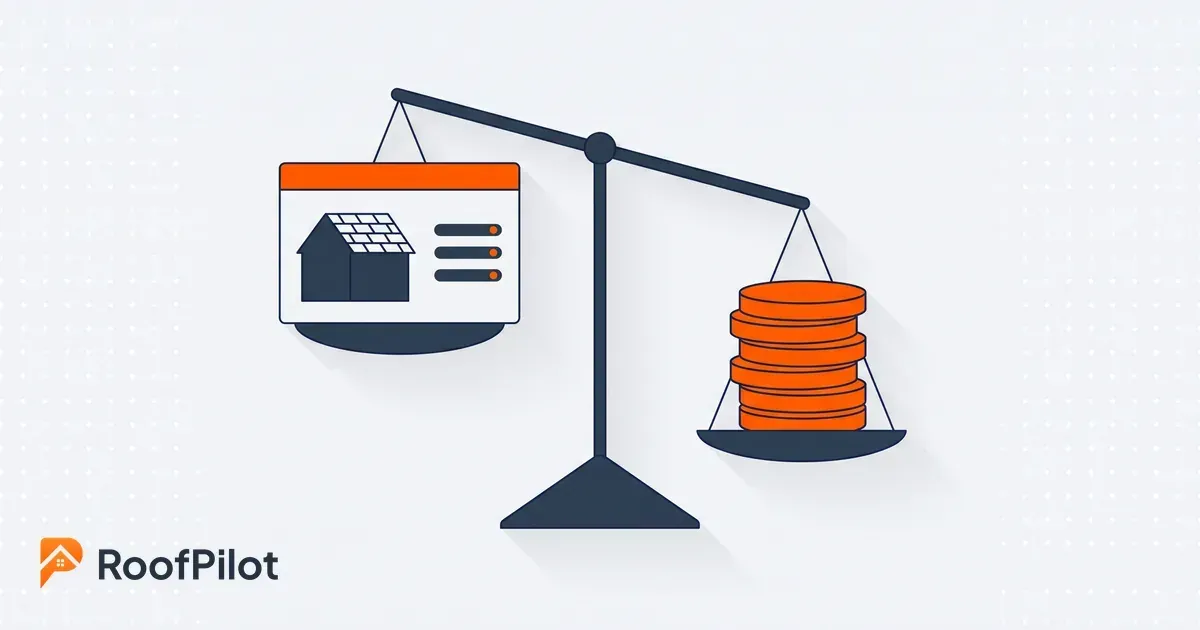
How to run the ROI numbers on roofing software. Add up the hours saved, the rework you stop paying for, and the jobs you win, then weigh it against the cost.
By Liam Walsh • October 23, 2026
How to run a software pilot in your roofing company before you commit. Pick one crew and real jobs, set what to measure, and see if a new tool actually fits.
By Liam Walsh • October 19, 2026
A roofing mobile app puts the whole business in your pocket. Run jobs, photos, quotes, and invoices from your phone so the office and the roof stay in sync.
By Liam Walsh • October 16, 2026
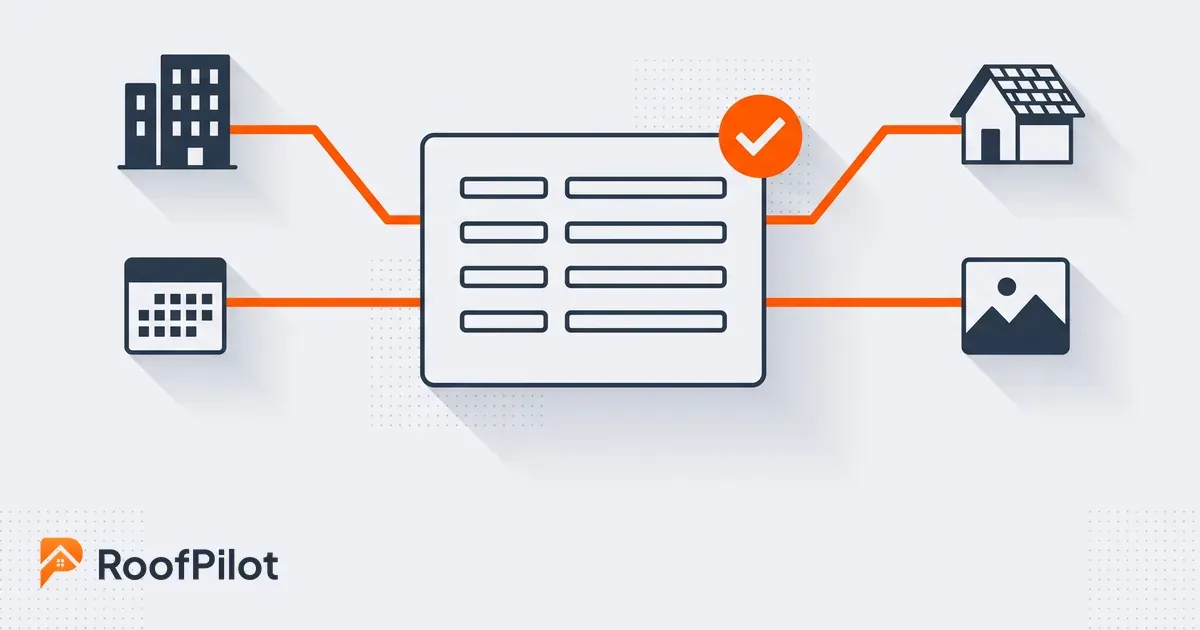
Keep your roofing office and field data in sync. One source of truth across your CRM, calendar, and field tools so nobody rekeys or works off stale information.
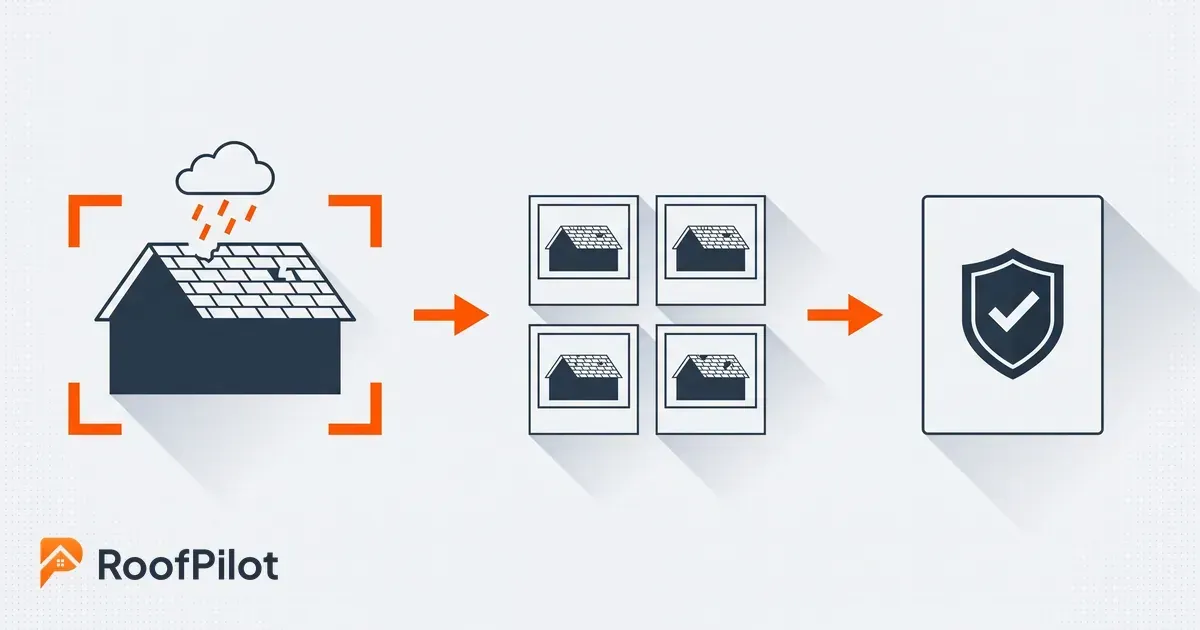
By Liam Walsh • October 12, 2026
A roof photo workflow built for insurance claims. How to capture, organize, and time-stamp storm damage photos so an adjuster approves them the first time.
By Liam Walsh • October 9, 2026
Your roofing production backlog is the work you have sold but not yet built. How to size a healthy backlog, keep jobs from aging, and protect the cash in it.
By Liam Walsh • October 5, 2026
What to put in a roof inspection report, a ready-to-use template you can copy, and how to turn your findings and photos into a report that wins you the job.
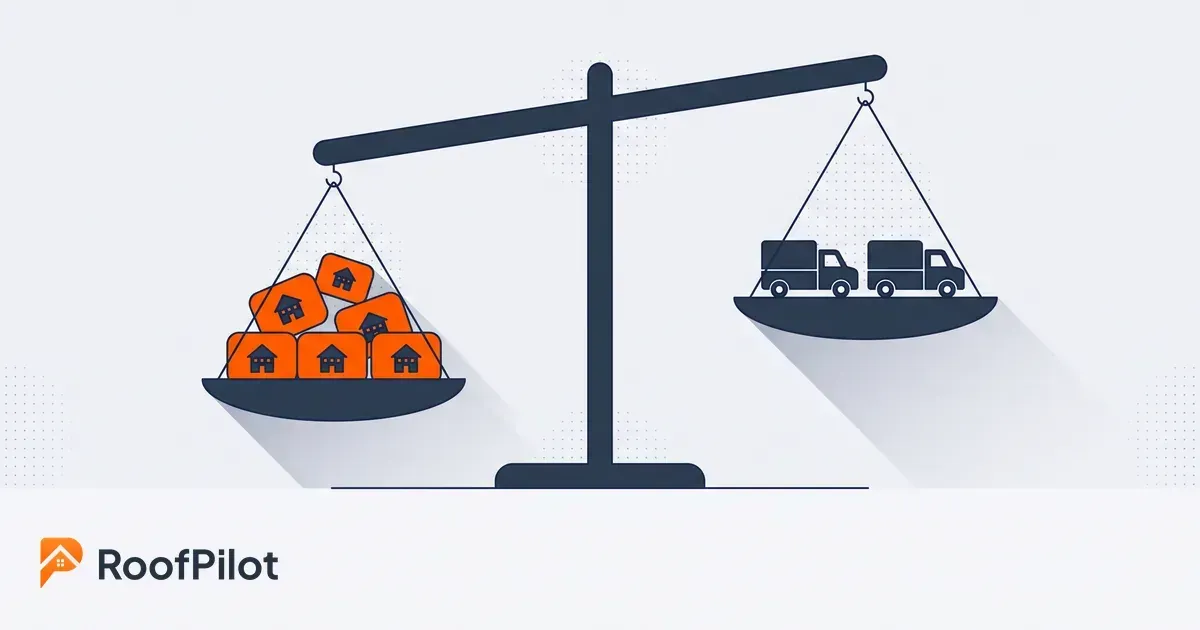
roofing capacity planning
By Liam Walsh • October 2, 2026
Capacity planning for roofing crews is knowing how much work you can actually take. How to size your real capacity, set a buffer, and match crews to demand.
roofing dispatch
By Liam Walsh • September 28, 2026
Roofing dispatch is getting the right crew to the right job on the right day. How to run day-of dispatch, cut idle crew hours, and keep every job on track.
sales to production handoff
By Liam Walsh • September 25, 2026
The sales-to-production handoff is where roofing jobs get dropped after the sale. How to hand off a signed job complete, set a handoff SLA, and stop the leaks.