October 19, 2026

How to Run a Roofing Business from Your Phone

Author

Liam Walsh

9 minute read

Share

roofing mobile app
roofing mobile app

A roofing mobile app is not a calculator or a single-purpose tool anymore. It is how a growing number of roofing companies run the whole business from the roof, the driveway, and the truck, without waiting to get back to a desk. The customer, the job, the photos, the quote, and the invoice all live on the same phone that is already in every crew member's pocket.

This guide is about running your roofing business from that phone. It covers why the phone is now your most capable tool, what belongs on it, how to capture the work where it happens, how to quote and get paid without a trip back to the office, and what "works on mobile" has to actually mean when the roof sits in a spot with no signal. Get this right and the gap between the field and the office mostly closes on its own.

Your phone is already the most powerful tool on the job

The most capable computer on most roofing jobs is the phone in your hand, and nearly everyone on the crew already carries one. About nine in ten U.S. adults own a smartphone, roughly 91 percent, so the device you would run the business from is not something you have to buy or roll out. It is already there, charged, and familiar.

That changes what "roofing software" should mean for a field business. For years the real tools lived on an office desktop and the field made do with phone calls, texts, and a truck full of paper. Now the same phone that takes the photo can pull up the customer, update the job, send the quote, and collect the payment. The question is no longer whether your team has the hardware. It is whether your software actually lets them do the work on it.

What this means for your business: You are not waiting on your crew to adopt new hardware. The phones are already in their hands, so the only thing standing between the office and the field is whether your software runs on those phones as well as it runs on a desk.

Put the whole job record in your hand

Running the business from your phone starts with the real job record, not a stripped-down copy of it. When you can pull up any customer, job, and its full history from the roof, you answer the homeowner's question on the spot instead of promising to check when you are back at the office. The record you work from in the field is the same record the office works from, and it is current.

That is the difference between a real mobile app and a companion app that shows only a sliver of the data. A crew that can see the scope, the notes, the measurements, and the last conversation with the customer does not have to call the office to find out what was promised. When the answer lives on the phone, the person standing in front of the customer is the person who can give it.

It runs the other way too. A crew that can update the job from the roof, mark it complete, add a note, or flag a change the homeowner asked for means the office is never waiting on a phone call to know where things stand. The record moves forward as the work does, so the person who books the next step, orders the material, or sends the invoice is working from what actually happened today, not from what someone remembers to report tomorrow.

Capture the work where it happens

roofing app photo capture

The field is where most of the information on a roofing job is created, so that is where it should be captured. When you shoot job photos from your phone and file them straight to the job, the documentation is done the moment the work is in front of you, not reconstructed later from a camera roll full of unlabeled shots. Photos, measurements, and notes go in once, attached to the right job, from the roof.

The alternative is the quiet tax every roofing company knows: information captured in the field and then re-entered at a desk. Every hand-off is a chance to lose a photo, mistype a number, or forget a detail that mattered. Capturing on the phone, in the moment, removes the second step entirely, which is the same discipline behind keeping the office and the field on one record instead of two versions that drift apart.

Quote, sign, and get paid without a trip back

mobile roofing quotes and invoices

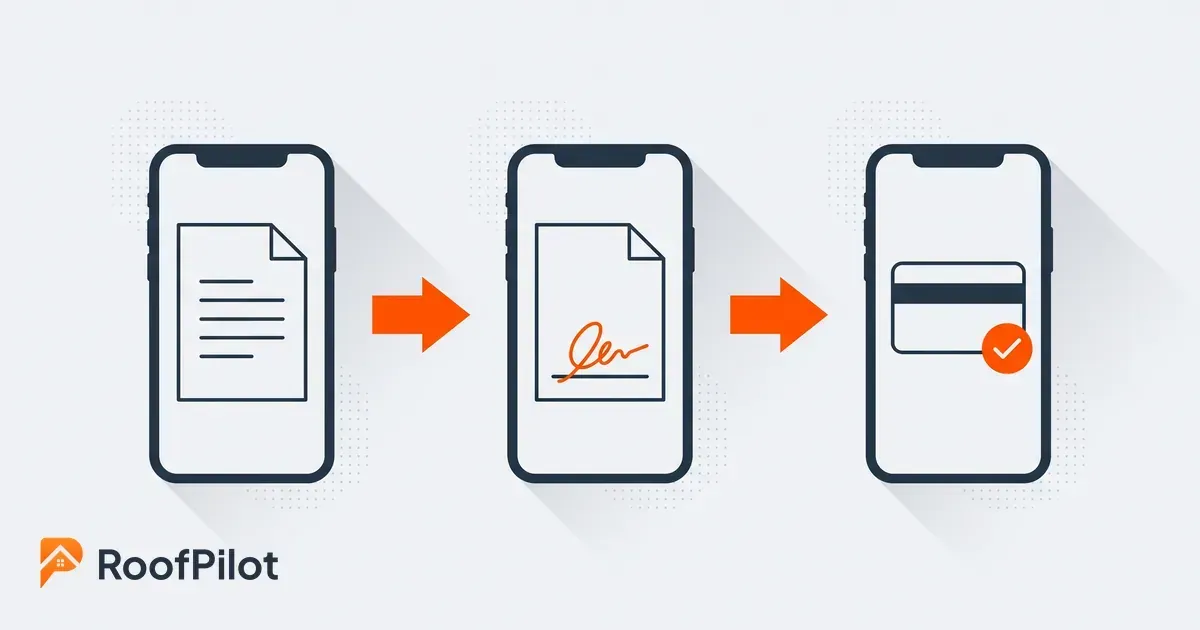
A lot of the money in a roofing job is lost to delay, and the phone removes most of it. Building and sending the proposal from the roof, capturing a signature while the homeowner is still standing there, and invoicing the moment the work is done all collapse a process that used to take days into the same visit. The job moves at the speed of the crew, not the speed of the drive back to the office.

Speed here is not a convenience, it is a close rate and a cash-flow number. A proposal that goes out while you are still on the property beats one that lands in an inbox two days later, and an invoice sent from the driveway gets paid sooner than one that waits for someone to type it up on Monday. When quoting, signing, and billing all happen on the phone, fewer jobs stall in the gap between the work and the paperwork.

What this means for your business: Every day between the work and the invoice is a day of your money sitting in someone else's account. Doing the paperwork on the phone, at the job, is the cheapest way to shorten that gap on every job you run.

It only counts if it works where the roof is

roofing app offline jobsite

A roofing mobile app has to work where roofs actually are, which is often a long way from a strong signal. The real test is not a demo in the office, it is whether the app still lets a crew open the job and save their photos on a rural tear-off with one bar of service. Software that only works on good WiFi is office software that happens to run on a phone.

This is the piece most tools get wrong, and the one that decides whether the field actually uses the app. If it stalls, loses work, or locks people out the moment the connection drops, the crew goes back to texts and paper and the office is blind again. When the app holds up in the field and catches up the moment the signal returns, the office and the crew stay on the same picture of every job, even from the corners of your territory where the connection is worst. That reliability is the whole reason a business can run on RoofPilot rather than just be demoed on it.

One app beats a truck full of apps

Running the business from your phone works best when it is one app, not seven. Roofing companies tend to accumulate tools the way trucks accumulate gear: a separate app for photos, another for quotes, another for invoices, another for the customer list, and a person whose real job is copying data between them. Each app works on its own, and none of them agree.

The point of a mobile app that spans the whole platform is that the job, its photos, its proposal, and its invoice are one record, so there is nothing to reconcile. That is a different decision than picking the best single-purpose app for each task, and it is worth weighing deliberately: one platform your whole company shares, or a stack of separate tools you have to keep stitching together. For a business that lives in the field, fewer apps that share one record almost always beats more apps that do not.

The Bottom Line

Running a roofing business from your phone is not about doing a little office work in the field. It is about the field and the office finally working from the same current record of every job. The phones are already in your crew's hands, so the real question is whether your software lets them pull up the job, capture the work, send the quote, and collect the payment from wherever the roof is, and whether it holds up when the signal does not. Put the whole job on one app that works in the field, and the copying, the callbacks to the office, and the days lost between the work and the invoice mostly disappear. That is what running the business from your phone actually buys you.

Related reading:


By Liam Walsh • October 23, 2026
How to run a software pilot in your roofing company before you commit. Pick one crew and real jobs, set what to measure, and see if a new tool actually fits.
By Liam Walsh • October 16, 2026
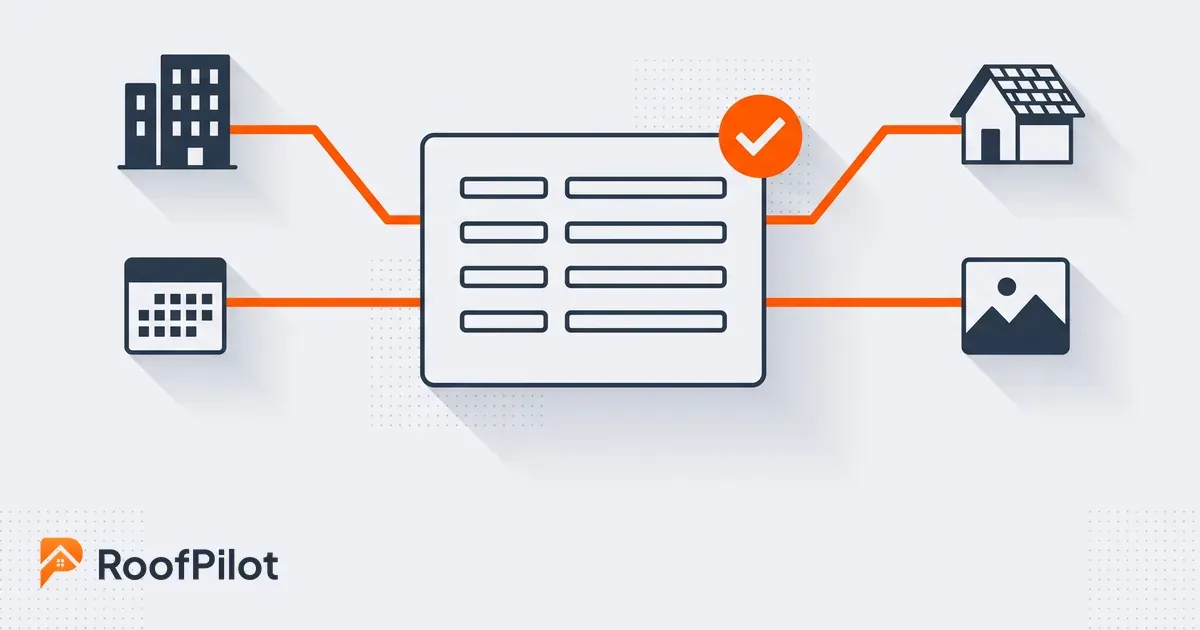
Keep your roofing office and field data in sync. One source of truth across your CRM, calendar, and field tools so nobody rekeys or works off stale information.
By Liam Walsh • October 12, 2026
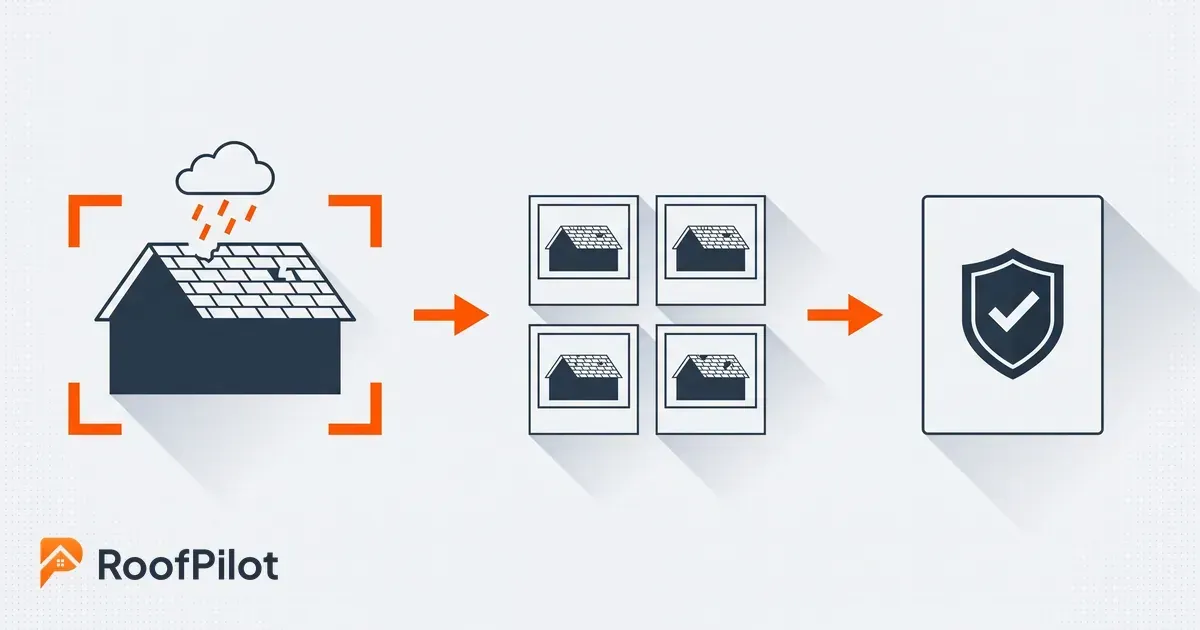
A roof photo workflow built for insurance claims. How to capture, organize, and time-stamp storm damage photos so an adjuster approves them the first time.
By Liam Walsh • October 9, 2026
Your roofing production backlog is the work you have sold but not yet built. How to size a healthy backlog, keep jobs from aging, and protect the cash in it.
By Liam Walsh • October 5, 2026
What to put in a roof inspection report, a ready-to-use template you can copy, and how to turn your findings and photos into a report that wins you the job.
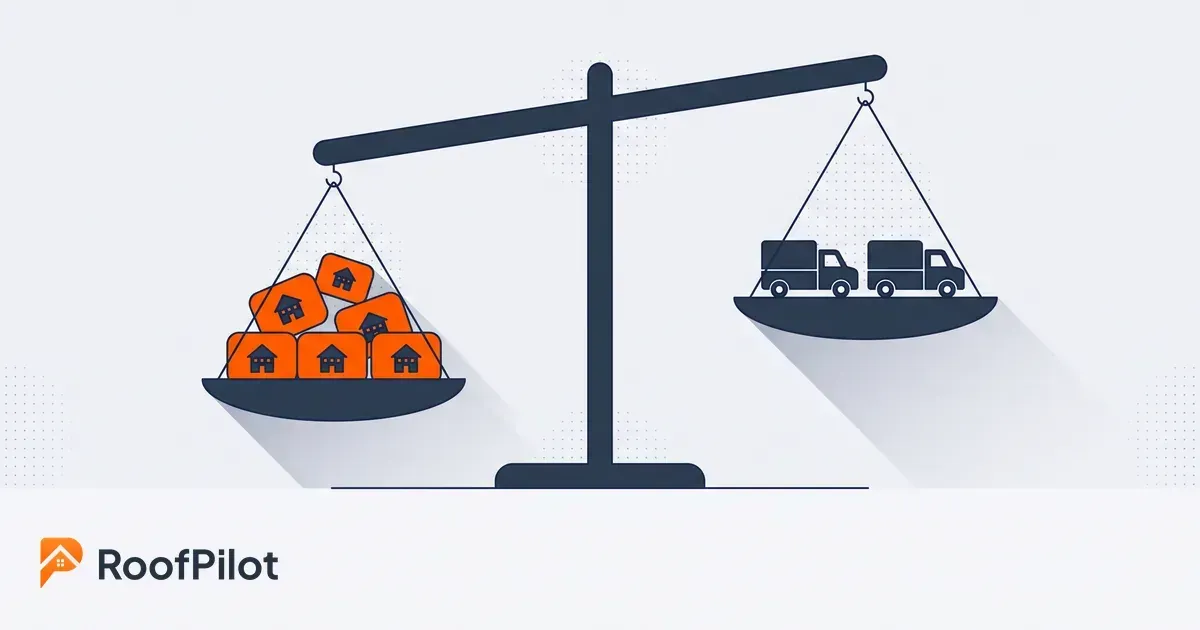
roofing capacity planning
By Liam Walsh • October 2, 2026
Capacity planning for roofing crews is knowing how much work you can actually take. How to size your real capacity, set a buffer, and match crews to demand.
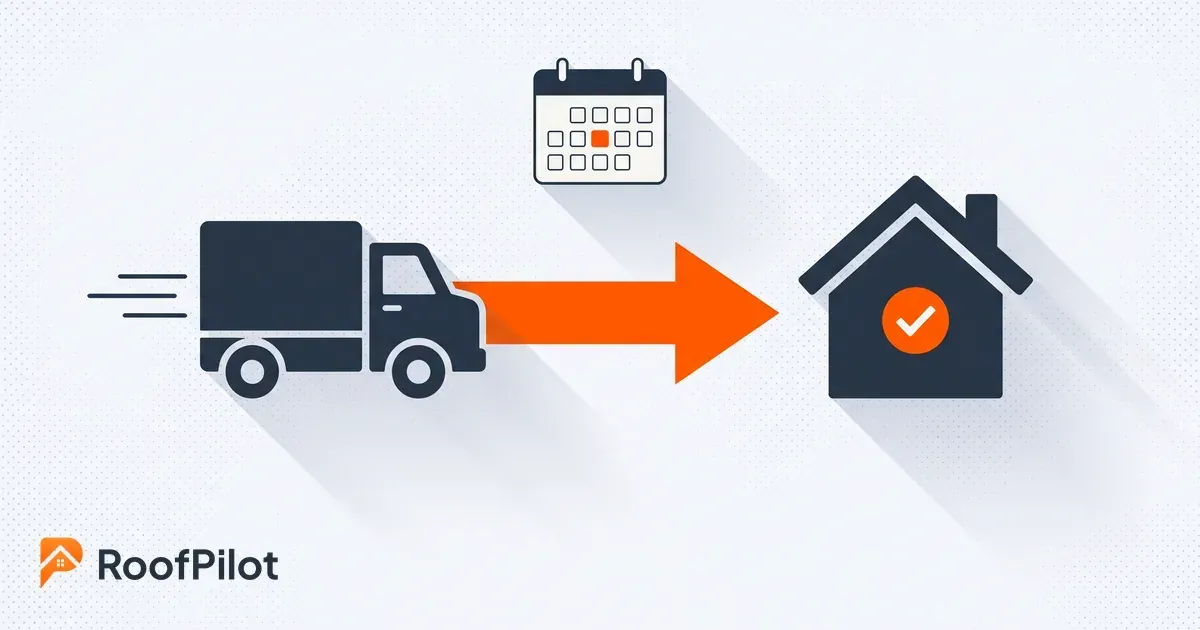
roofing dispatch
By Liam Walsh • September 28, 2026
Roofing dispatch is getting the right crew to the right job on the right day. How to run day-of dispatch, cut idle crew hours, and keep every job on track.
sales to production handoff
By Liam Walsh • September 25, 2026
The sales-to-production handoff is where roofing jobs get dropped after the sale. How to hand off a signed job complete, set a handoff SLA, and stop the leaks.
roofing appointment setting
By Liam Walsh • September 21, 2026
How to book more roofing appointments and kill no-shows, from fast response and easy online scheduling to reminders that keep inspections on your calendar.
roofing pipeline hygiene
By Liam Walsh • September 18, 2026
Pipeline hygiene keeps a roofing sales pipeline honest so your forecast holds and leads stop rotting, with the stages, rules, weekly review, and clean handoff.