October 23, 2026

How to Pilot New Software in Your Roofing Company (Before You Commit)

Author

Liam Walsh

9 minute read

Share

roofing software pilot

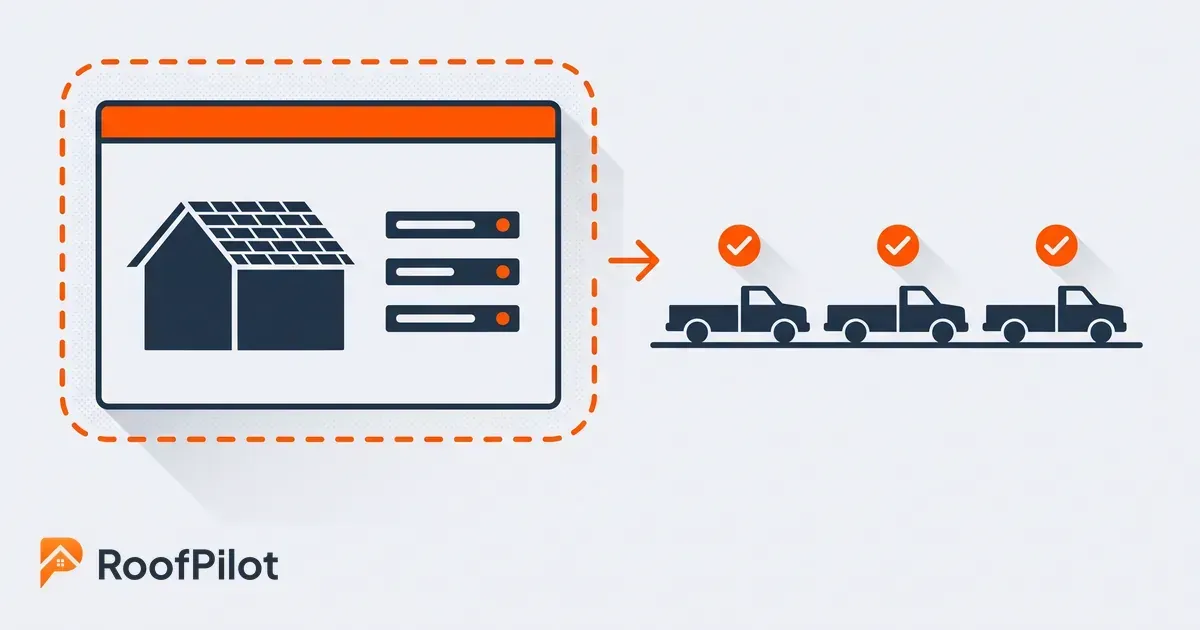
Piloting new software means testing it on a few real jobs, with a small part of your team, before you roll it out to the whole company. It is the difference between betting the business on a demo and a sales pitch, and betting it on evidence from your own jobs. For a roofing company, where a bad software switch can tangle up scheduling, billing, and the crew's whole week, a pilot is how you find out the truth cheaply.

This guide answers the practical questions about running a software pilot in a roofing company. What a pilot actually is, why it beats committing on faith, how to scope one so it tells you something real, how long to run it and what to measure, how to read the result, and how to roll the tool out once it earns its place. The goal is a decision you can trust, because your own jobs produced it and a salesperson did not.

What is a software pilot, and why run one?

A software pilot is a small, time-boxed test of a new tool on real jobs, with a limited group, before you commit the whole company to it. You run one so the decision to adopt or walk away comes from evidence you generated, not from a demo where everything works perfectly. A pilot usually comes after you have already narrowed the field to a tool worth testing; it is the last check before you commit.

The reason it matters in roofing is that the cost of being wrong is not just the software. It is the retraining, the double entry, the jobs that slip while everyone relearns their day, and the trust you lose with a crew that has been switched onto three tools in two years. A pilot puts a fence around that risk. If the tool is wrong, you found out on five jobs and one crew, not on your whole pipeline in the middle of your busy season. The tool on trial might be RoofPilot or any other platform, the discipline of the pilot is the same.

Why pilot before you commit to new roofing software?

You pilot because the thing most likely to sink a new tool is not its feature list, it is whether your team actually uses it and whether it fits how you already work. Those two things almost never show up in a demo, and they are exactly what a pilot exposes.

Roofing and construction companies are not short on software to choose from, and the pile keeps growing. In one industry survey, the number of apps a typical company runs kept climbing, with 22 percent of firms reporting they used six or more, up from a norm of just a few only a year earlier. More tools is not the same as more value, though. A tool only pays off if the people who are supposed to use it actually do, and if it matches the way your jobs really run instead of the way a vendor assumes they do. A pilot is how you test those two things on your own work, where a slick demo cannot hide a poor fit. It is often the sensible next step after the day your spreadsheets stop keeping up and you finally start shopping for real software.

What this means for your business: The question a pilot answers is not "does this software work," it is "will my team use this, on my jobs, the way we actually run them." No amount of watching a demo tells you that. Only putting the tool in front of a real crew, on real jobs, does.

What makes a good pilot scope?

pilot scope one crew

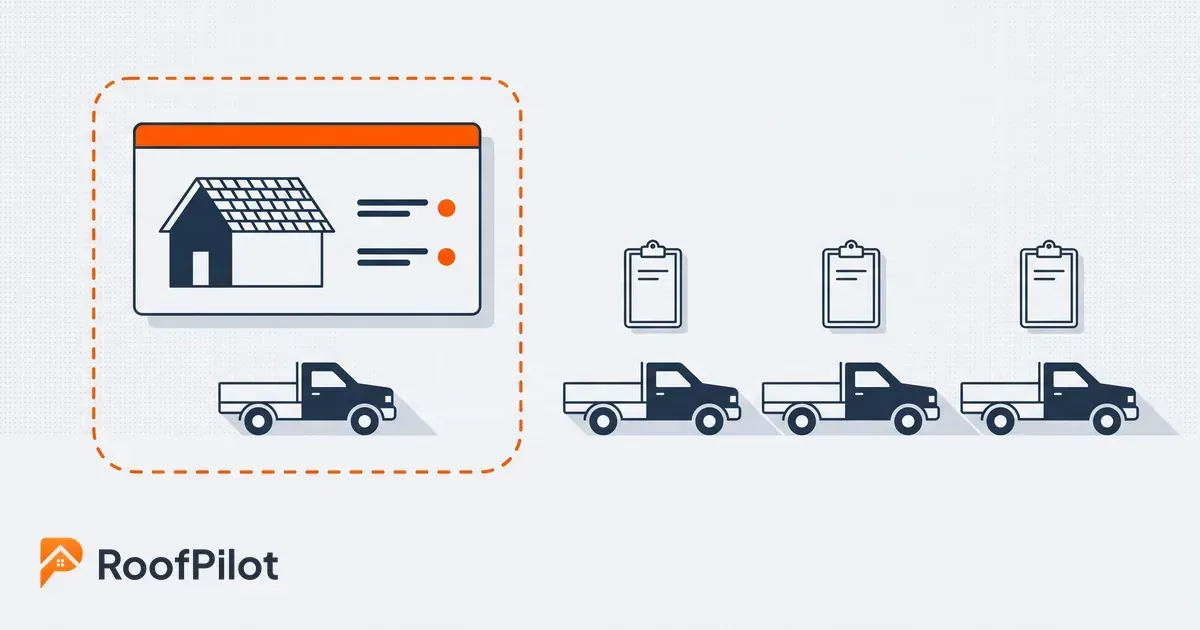
A good pilot is deliberately small: one crew or one job type, a handful of real jobs, and a fixed window, so you can watch the tool work end to end without betting the company on it. The mistake is piloting everything at once, which just recreates a full rollout with none of the safety.

Pick a slice that is representative but contained. One crew that will give you honest feedback, or one job type you run often enough to see the tool handle the normal variations, is enough to learn what you need. Keep the rest of the company on the current way of working so you have something to compare against and a fallback if the pilot fails. And write down, before you start, exactly what you are trying to find out, so the pilot is a test with a question rather than a trial that quietly drifts into a permanent half-rollout nobody ever decided on.

How long should a roofing software pilot run, and what do you measure?

roofing pilot metrics

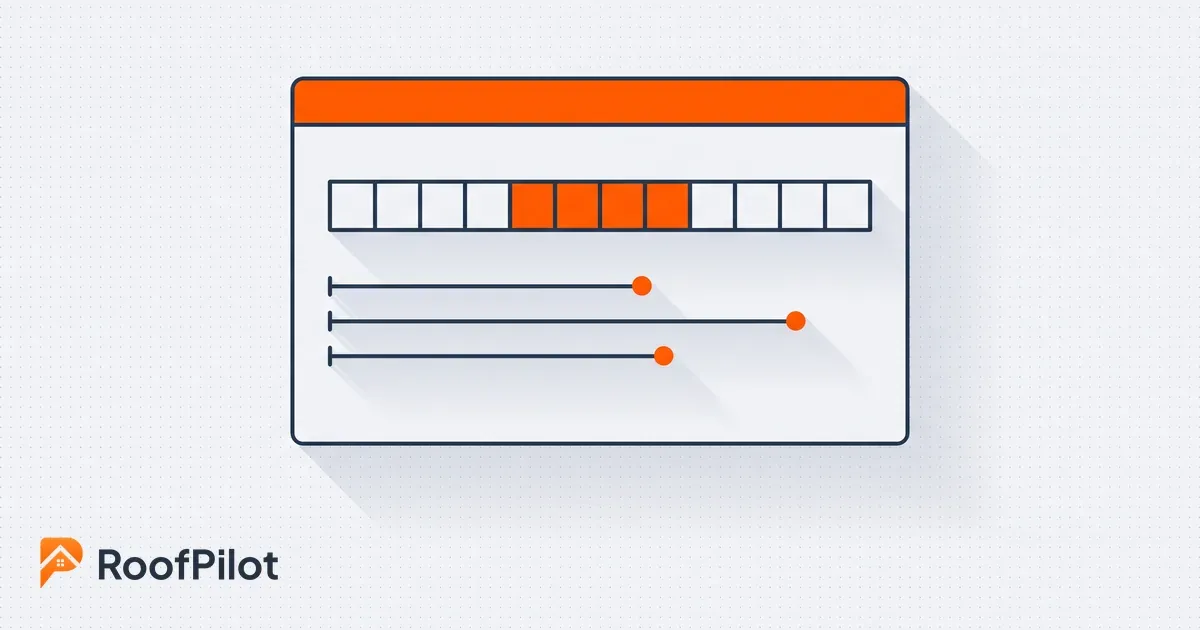
A pilot should run long enough to take real jobs all the way through the tool, start to finish, which for most roofing workflows means a few weeks rather than a few days. It needs to be long enough to hit the messy parts, a change order, a reschedule, a job that goes sideways, because those are where a tool either holds up or falls apart.

Measure the things that actually predict adoption, not just the feature checklist. Watch whether the crew uses it without being pushed, how much time it saves or costs on a real job, how many mistakes trace back to it versus the old way, and how people feel about it once the novelty wears off. Put rough numbers on those where you can, because "the crew seems to like it" is easy to talk yourself into or out of, while "we cut an hour of office re-entry per job and nobody has asked to go back" is a decision you can stand behind.

What this means for your business: Decide what a win looks like before the pilot starts, in numbers you can actually check. If you wait until the end to define success, you will grade the pilot on gut feel, which is exactly the guesswork the pilot was supposed to replace.

How do you know the pilot worked (or didn't)?

You know a pilot worked when the team keeps using the tool without being forced, the numbers you set out to move actually moved, and going back to the old way starts to feel like a downgrade. That last one is the strongest signal: when the pilot crew resists giving the tool back, you have your answer.

A pilot that failed is just as valuable, as long as you read it honestly. If people quietly reverted to texts and spreadsheets, if the tool added steps instead of removing them, or if it only worked when nothing went wrong, that is a no, and it is far cheaper to learn it now than after a company-wide rollout. Resist the urge to rescue a bad pilot with "it will be better once everyone is trained." Sometimes that is true, but a tool that a motivated pilot crew would not adopt is not going to win over the crew that never wanted to change in the first place.

How do you roll it out after a successful pilot?

staged software rollout

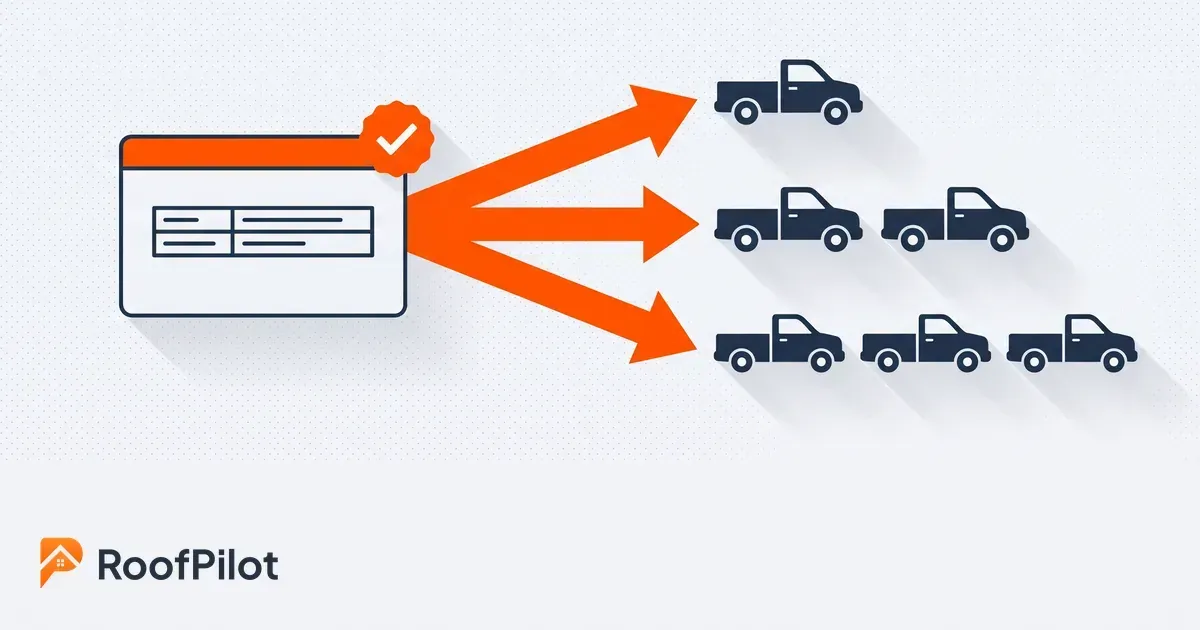
You roll out a successful pilot in stages, not all at once, using what the pilot taught you about where people struggled. Expand from the pilot crew to the next group, then the next, so each wave learns from the last and your support is never stretched across the whole company on day one.

Name someone who owns the rollout, carry over the workflows and settings the pilot proved out so you are not reinventing them, and treat training as its own job rather than an afterthought, because adoption is where rollouts actually succeed or fail. That last part is a discipline of its own, covered in getting your team to actually adopt new software, and it is worth doing well. The pilot proved the tool fits, but the rollout is what turns it into the way the whole company works. Do it in stages, and the same care that made the pilot honest makes the rollout stick.

The Bottom Line

Piloting new software is how a roofing company makes a big decision on evidence instead of faith. Run the tool on a few real jobs with one crew, for long enough to hit the messy parts, and measure whether people actually use it and whether it fits the way you work, because those, not the feature list, decide the outcome. Read the result honestly, including a no, and if it passes, roll it out in stages with a clear owner and real training. The point of a pilot is simple: find out the truth about a tool on your own jobs while being wrong is still cheap, so that when you do commit, you already know it will stick.

Related reading:


By Liam Walsh • October 19, 2026
A roofing mobile app puts the whole business in your pocket. Run jobs, photos, quotes, and invoices from your phone so the office and the roof stay in sync.
By Liam Walsh • October 16, 2026
Keep your roofing office and field data in sync. One source of truth across your CRM, calendar, and field tools so nobody rekeys or works off stale information.
By Liam Walsh • October 12, 2026
A roof photo workflow built for insurance claims. How to capture, organize, and time-stamp storm damage photos so an adjuster approves them the first time.
By Liam Walsh • October 9, 2026
Your roofing production backlog is the work you have sold but not yet built. How to size a healthy backlog, keep jobs from aging, and protect the cash in it.
By Liam Walsh • October 5, 2026
What to put in a roof inspection report, a ready-to-use template you can copy, and how to turn your findings and photos into a report that wins you the job.
roofing capacity planning
By Liam Walsh • October 2, 2026
Capacity planning for roofing crews is knowing how much work you can actually take. How to size your real capacity, set a buffer, and match crews to demand.
roofing dispatch
By Liam Walsh • September 28, 2026
Roofing dispatch is getting the right crew to the right job on the right day. How to run day-of dispatch, cut idle crew hours, and keep every job on track.
sales to production handoff
By Liam Walsh • September 25, 2026
The sales-to-production handoff is where roofing jobs get dropped after the sale. How to hand off a signed job complete, set a handoff SLA, and stop the leaks.
roofing appointment setting
By Liam Walsh • September 21, 2026
How to book more roofing appointments and kill no-shows, from fast response and easy online scheduling to reminders that keep inspections on your calendar.
roofing pipeline hygiene
By Liam Walsh • September 18, 2026
Pipeline hygiene keeps a roofing sales pipeline honest so your forecast holds and leads stop rotting, with the stages, rules, weekly review, and clean handoff.