October 16, 2026

One Source of Truth: Syncing Office and Field Data

Author

Liam Walsh

9 minute read

Share

roofing office field data sync

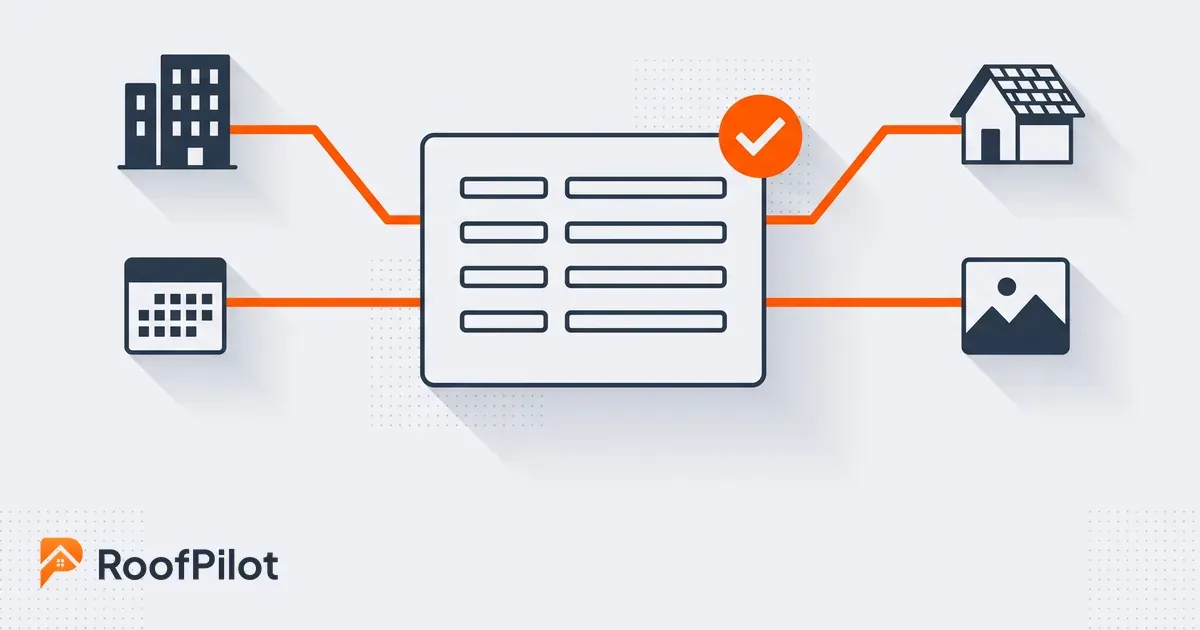
Syncing office and field data means making sure the people in the office and the crews in the field are always working from the same information, so a job only has to be entered once and everyone sees the same current version. It is the difference between one source of truth and a pile of texts, spreadsheets, and apps that each hold a slightly different story about the same job. When the office and the field fall out of sync, that gap is where double entry, stale schedules, and missed details creep in.

This guide answers the practical questions about keeping that data in sync. What syncing office and field data actually means, why disconnected data quietly costs roofing companies so much, what data has to stay in sync, the patterns for keeping it that way, how to kill double entry and stale information, and how to tell whether your systems are actually in sync. The goal is one reliable version of every job, from the sale to the final invoice.

What does syncing office and field data actually mean?

Syncing office and field data means a change made in one place shows up everywhere it matters, without anyone rekeying it. When a crew marks a job complete in the field, the office sees it. When the office reschedules a job, the crew's calendar updates. The record everyone works from is the same record, and it is current.

The alternative is what most roofing companies actually live with: the office runs on one set of tools, the field runs on phones and texts, and someone spends their day copying information between the two. That copying is not just wasted time, it is where the errors live. Every manual hand-off between office and field is a chance for a number to get transposed, a change to get missed, or two people to end up certain of two different things. Syncing is simply removing those hand-offs so the data moves on its own.

Why does disconnected data cost roofing companies so much?

Disconnected data is expensive because the cost is hidden in a hundred small places instead of one obvious line, so it never gets fixed. It shows up as the estimator working from an old measurement, the crew building off a scope that changed yesterday, the office invoicing for the wrong materials, and the hours everyone spends rekeying and reconciling instead of doing the work. None of it looks like a crisis, which is exactly why it drains so much.

The scale of the problem is well documented. A study of construction firms found that more than 80 percent said at least a quarter of their project data was effectively unusable, the kind of gaps, duplicates, and stale records that pile up when systems do not talk to each other. On a roof, unusable data is not abstract: it is the wrong shingle count ordered, the crew sent to a job the customer rescheduled, the change order that never made it from the salesperson's truck to the office. Every one of those is a disconnected-data problem wearing a different costume, and they repeat until the data stops living in separate places.

What this means for your business: If your team spends real time each week copying information from one place to another, that is not administration, it is the tax you pay for disconnected systems. Count those hours honestly and you will usually find the case for fixing the sync makes itself.

What data needs to stay in sync between office and field?

roofing job records to sync

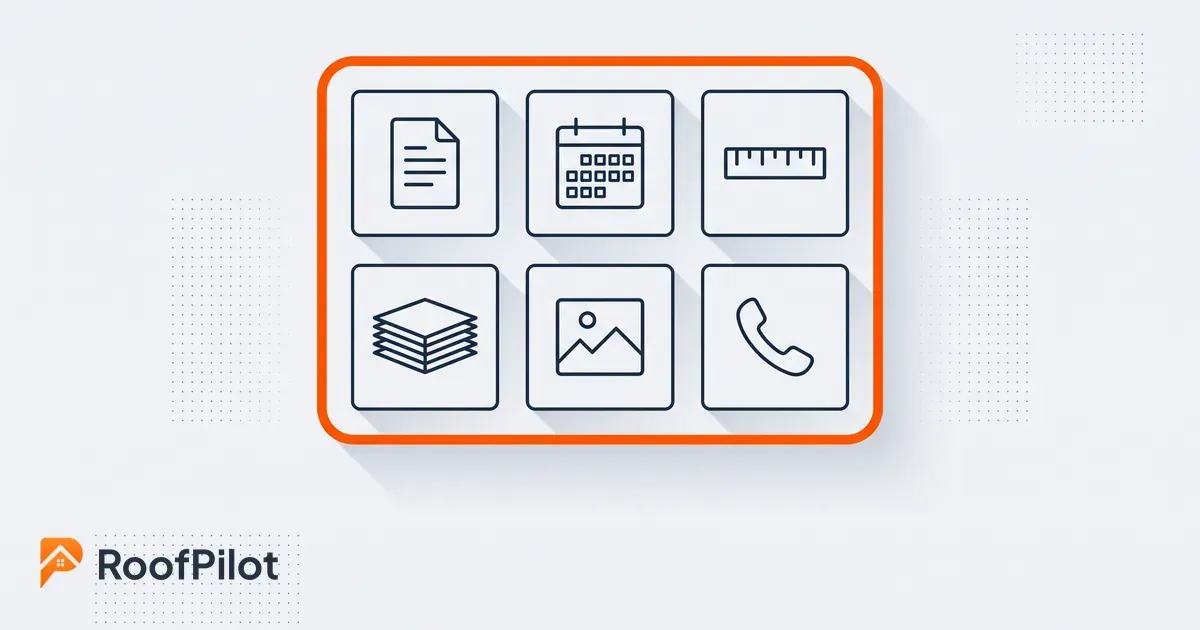
Everything a job touches needs to stay in sync, but a handful of things cause the most pain when they drift. The job itself, its scope and status, the schedule, the measurements, the materials list, the photos, and the customer details are the records that both the office and the field depend on, and where a mismatch does real damage.

Think about where a stale copy hurts most. The schedule has to be the same for the office booking it and the crew driving to it, or someone shows up on the wrong day. The scope and change orders have to match, or the crew builds the wrong roof. The measurements and material list have to be identical from estimate to order to install, or you over-order, under-order, or send a crew short. The photos and job notes have to be attached to the job, not stranded on one person's phone. And the customer's contact and history have to be current for whoever picks up the phone. Those are the records to prioritize when you decide what must never be out of sync.

What are the patterns for keeping office and field data in sync?

crm field app integration

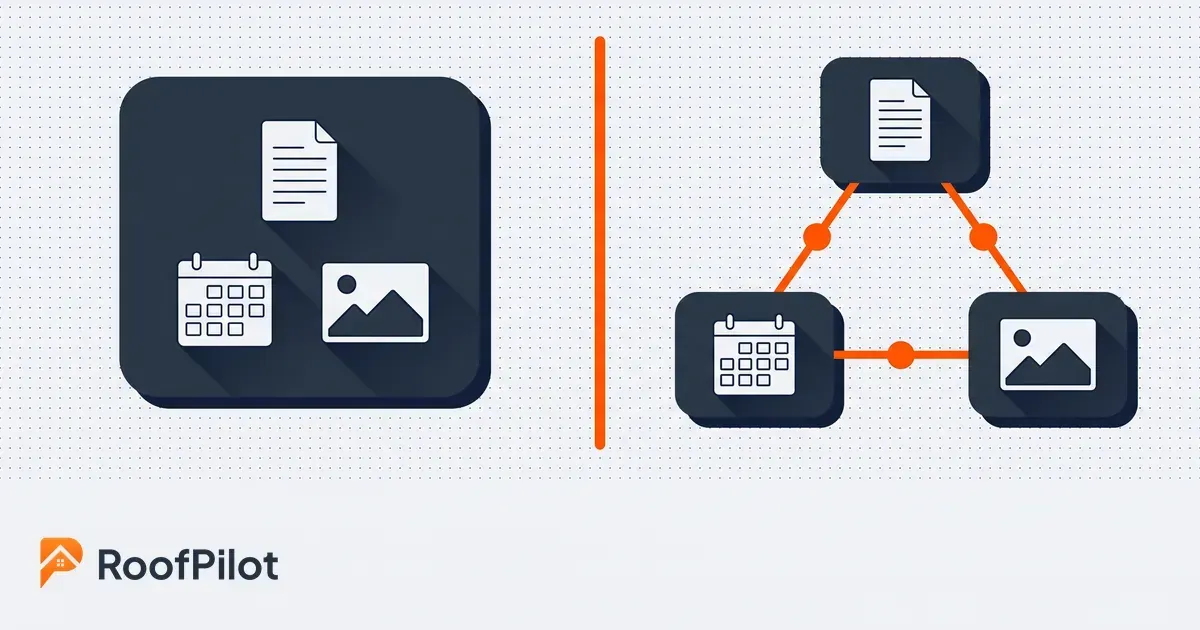
There are really two patterns: run everything in one system, or connect separate systems so they pass data back and forth. In the single-system pattern, the office and the field use the same platform, so there is nothing to sync because there is only one copy of the data. In the integration pattern, you keep specialized tools and wire them together so a change in one flows to the others.

Each has trade-offs worth understanding. One system is the simplest to keep in sync because the sync is not a feature, it is the absence of a second copy; the cost is that one platform has to be good enough at everything you need. Integrations let you keep best-in-class tools, but every connection is something to set up, monitor, and repair when it breaks, and a sync that silently stops is worse than no sync because people keep trusting stale data. If you do connect tools, favor real-time or near-real-time sync over nightly batches for anything a crew acts on that day, and pick a single system to be the source of truth so that when two records disagree, there is a clear answer for which one wins. Most roofing companies are better served by fewer tools that share one record than by many tools they have to keep stitching together, which is the whole case for one system your office and field both work from.

How do you avoid double entry and stale information?

avoid double entry roofing

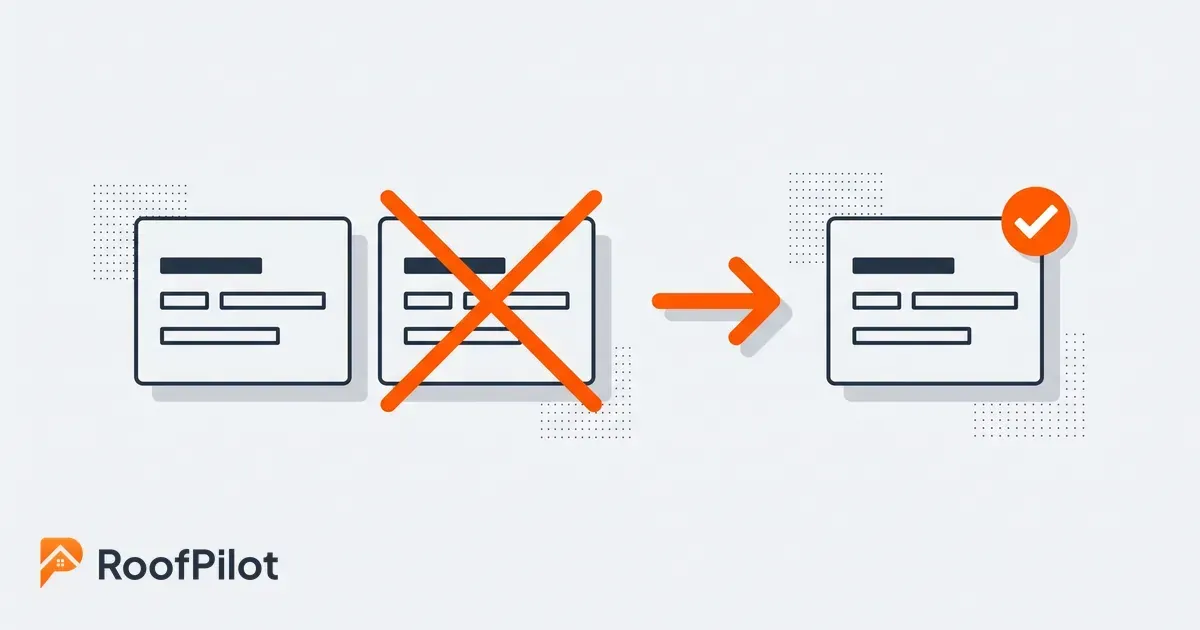
You avoid double entry by making sure each piece of information has exactly one home and flows out from there, instead of being typed into several places. The moment a fact about a job lives in two systems that do not talk, one of them is going stale, and your team is either rekeying it or trusting the wrong copy. A single source of truth is the fix, not more diligence.

In practice that means deciding where each record officially lives and letting everything else read from it rather than keep its own version. The measurement entered once flows into the estimate, the order, and the install without being retyped. The schedule change made in the office reaches the crew's phone without a follow-up call. The one place accounting still tends to drift is the books, which is why it is worth deliberately choosing to keep your accounting in sync without double entry rather than rekeying invoices by hand. All of this is easier when your system is chosen for it from the start, so choosing the roofing CRM to build around is really a decision about how little you want to sync later. Run the company in RoofPilot, where the job, its schedule, its photos, and its invoice are one record, and double entry mostly stops being possible because there is only ever one copy to update.

What this means for your business: Pick one place for each kind of record to officially live, and make every other tool read from it instead of holding its own copy. Most double entry disappears the moment your team agrees on where the real version is.

How do you know your office and field data is actually in sync?

You know your data is in sync when a change made in one place is visible everywhere else quickly, and nobody is retyping anything to make that happen. A few simple signals tell you whether that is true. Watch how often someone has to rekey information from one system into another, because every instance is a sync gap you are paying for by hand. Watch how long it takes for a field update, a completed job, a change order, to show up for the office.

Two more signs are worth tracking. Count the mistakes that trace back to someone working from an old version, the wrong order, the missed reschedule, the outdated scope, because those are disconnected-data errors even when they look like carelessness. And notice how much time your team spends reconciling, that is, checking two systems against each other to find out which is right, since a company with one source of truth barely does this at all. Most roofing companies never measure any of it and just absorb the friction as the cost of doing business. Put even rough numbers on rekeying and stale-data mistakes, and the payoff from getting office and field onto one current record stops being a matter of opinion.

The Bottom Line

Keeping office and field data in sync is really about having one source of truth instead of many slightly-wrong copies of the same job. Disconnected data does not announce itself; it drains you quietly through double entry, stale schedules, wrong orders, and hours of reconciling. Decide what must never drift, the schedule, the scope, the measurements, the materials, the photos, the customer, and either run it all in one system or wire your tools together so a change in one reaches the others on its own. Give every record a single official home so nobody has to rekey it, and watch your rekeying, your stale-data mistakes, and your reconciling time to know it is working. Do that and your office and your crews finally work from the same reliable picture of every job, which is where the wasted hours and avoidable errors go to disappear.

Related reading:


By Liam Walsh • October 23, 2026
How to run a software pilot in your roofing company before you commit. Pick one crew and real jobs, set what to measure, and see if a new tool actually fits.
By Liam Walsh • October 19, 2026
A roofing mobile app puts the whole business in your pocket. Run jobs, photos, quotes, and invoices from your phone so the office and the roof stay in sync.
By Liam Walsh • October 12, 2026
A roof photo workflow built for insurance claims. How to capture, organize, and time-stamp storm damage photos so an adjuster approves them the first time.
By Liam Walsh • October 9, 2026
Your roofing production backlog is the work you have sold but not yet built. How to size a healthy backlog, keep jobs from aging, and protect the cash in it.
By Liam Walsh • October 5, 2026
What to put in a roof inspection report, a ready-to-use template you can copy, and how to turn your findings and photos into a report that wins you the job.
roofing capacity planning
By Liam Walsh • October 2, 2026
Capacity planning for roofing crews is knowing how much work you can actually take. How to size your real capacity, set a buffer, and match crews to demand.
roofing dispatch
By Liam Walsh • September 28, 2026
Roofing dispatch is getting the right crew to the right job on the right day. How to run day-of dispatch, cut idle crew hours, and keep every job on track.
sales to production handoff
By Liam Walsh • September 25, 2026
The sales-to-production handoff is where roofing jobs get dropped after the sale. How to hand off a signed job complete, set a handoff SLA, and stop the leaks.
roofing appointment setting
By Liam Walsh • September 21, 2026
How to book more roofing appointments and kill no-shows, from fast response and easy online scheduling to reminders that keep inspections on your calendar.
roofing pipeline hygiene
By Liam Walsh • September 18, 2026
Pipeline hygiene keeps a roofing sales pipeline honest so your forecast holds and leads stop rotting, with the stages, rules, weekly review, and clean handoff.