September 7, 2026

How to Choose a Roofing Photo App Your Crew Will Actually Use

Author

Liam Walsh

9 minute read

Share

how to choose a roofing photo app

Your phone already has a camera. So why do you need a roofing photo app?

Because a camera and a documentation system are not the same thing.

Taking photos is easy. Taking photos that are organized by job, connected to customer records, available for proposals, and retrievable three months later when a dispute comes up. That is a documentation system.

This guide covers what to look for in a roofing photo app, why the integration with your other software matters more than most roofers realize, and what separates tools that get used from tools that get abandoned. If you want to understand the full business case for job site photos first, how they win proposals, reduce disputes, and generate referrals, see how roofers use job site photos to win more work and the guide to before and after roofing photos.

The Problem With Using Your Personal Camera Roll

roofing photos camera roll

Most roofers document jobs with the native camera app on their phone. The photos go to the camera roll, mixed in with everything else: family photos, screenshots, random photos from other jobs.

By the end of a busy month, a roofer with three active jobs has hundreds of photos and no reliable way to find the ones they need.

What this costs you in practice:

  • 20 minutes searching for a photo when a homeowner calls with a question
  • Inability to pull job photos into a proposal without downloading and re-uploading
  • No before photos when a dispute comes up
  • No documentation to send to an insurance adjuster
  • Portfolio photos buried and never used

The camera roll is not organized around your business. A roofing photo app should be.

What Separates a Roofing Photo App From a Basic Camera App

roofing photo standards for crews

When evaluating photo apps for your roofing business, there are eight features that separate tools worth using from tools that create more work than they solve.

### 1. Photos Organized by Job Automatically

The moment a photo is taken, it should belong to a specific job, without requiring anyone to file it manually.

Manual organization sounds simple but breaks down immediately when crews are busy, jobs overlap, or photos are taken by multiple people. The only organization system that works consistently is one that happens automatically.

What to look for: Photos are captured from within the job record in your software. The association is automatic.

### 2. Timestamps and Location Data

Every photo should be automatically timestamped and tagged with the GPS location where it was taken.

This matters for dispute resolution, insurance documentation, and audit trails. A photo taken at 8:47 AM at the job site address is verifiable evidence. A photo from an unnamed camera roll is not.

What to look for: Automatic timestamps and location data embedded in every photo, without requiring any manual input.

### 3. Annotation Tools

The ability to draw on, circle, and add text to photos directly is essential for communicating damage and scope to homeowners, team members, and insurance adjusters.

A photo showing a cracked pipe boot tells part of the story. A photo with a circle around the crack and a note saying "source of leak, needs immediate replacement" tells the whole story.

What to look for: Built-in annotation tools that let you add shapes, arrows, text, and highlights without leaving the app.

### 4. PDF Report Generation

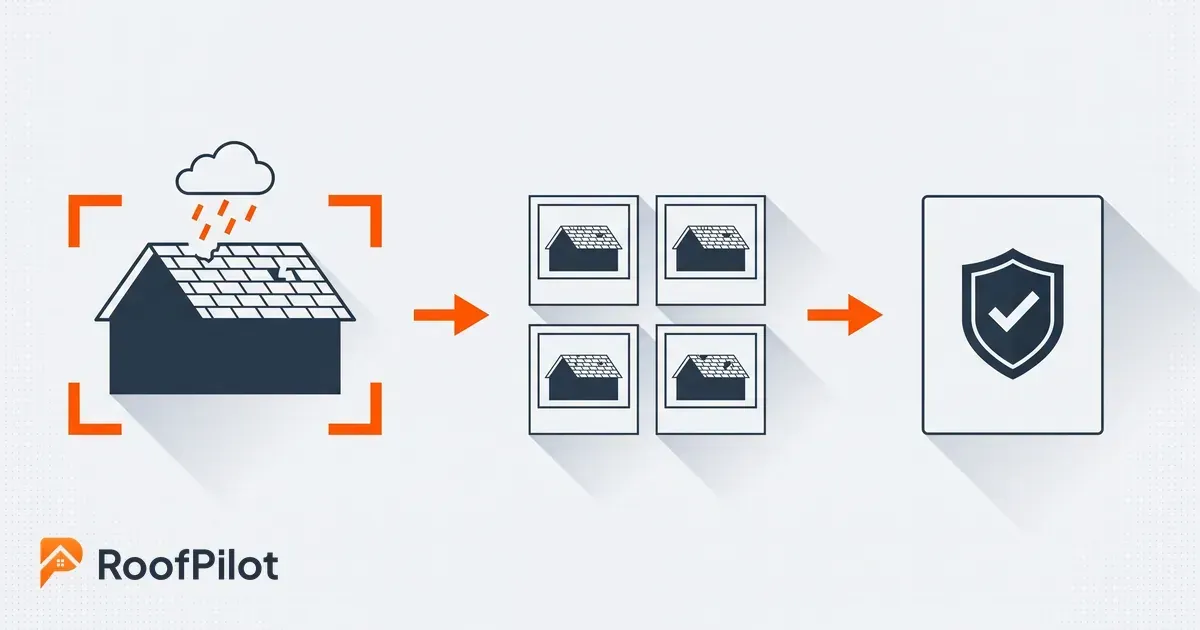
Organizing photos into a job file is useful. Turning that job file into a professional PDF report, in one tap, is what actually impresses homeowners and insurance adjusters.

A PDF report with the homeowner's name, property address, before-and-after photos, and your company logo is a different experience than a text message with attached photos.

What to look for: Automatic or one-tap report generation from job photos, branded with your company information.

### 5. Shareable Gallery Links

Homeowners should be able to view job photos without downloading an app, creating an account, or jumping through any hoops.

A shareable link that opens a clean, organized photo gallery on any device is the right experience for the customer. It makes your operation look professional. It reduces phone calls. It gives homeowners something to share with neighbors.

What to look for: Shareable gallery links that work on any device, without requiring the recipient to sign up for anything.

### 6. Multi-User Access

If more than one person is ever on a job site, multiple people need to be able to capture photos under the same job record.

The crew lead, the project manager doing a quality check, the owner stopping by. All of them should be able to take photos that flow into the same place. Not into separate camera rolls that someone has to collect later.

What to look for: Multiple users can capture photos under the same job without requiring photos to be manually consolidated afterward.

### 7. Real-Time Office Visibility

When a crew is on a job site and photos are being taken, the office should be able to see them in real time, without waiting for someone to text files or end-of-day uploads.

This is the difference between knowing what is happening on your job sites and hoping nothing went wrong until someone tells you.

What to look for: Photos appear in the job record immediately when taken, visible to authorized office staff without delay.

### 8. Connection to the Rest of Your Roofing Software

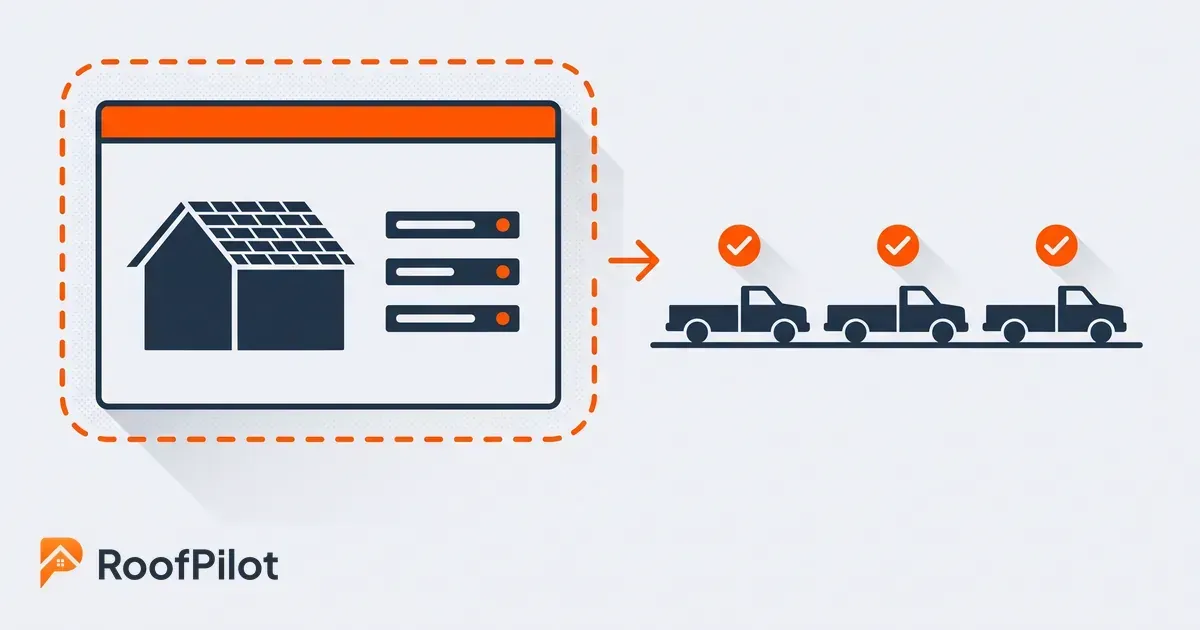
This is the one that most standalone photo apps cannot offer, and it is the one that makes the biggest difference in how your business actually operates.

When a photo app is a separate tool from your CRM, your proposal software, and your measurement system, photos require manual transfer every time you need them somewhere else. Download from the photo app. Upload to the proposal tool. Repeat.

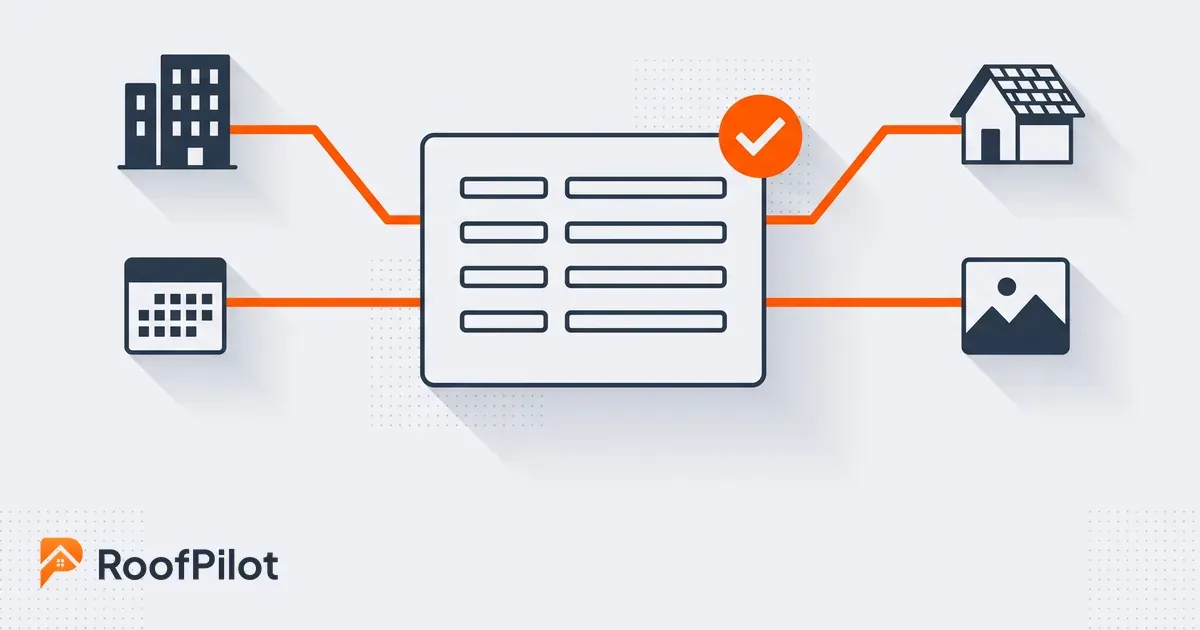
When photo documentation lives inside your roofing software, photos are where they need to be from the moment they are taken. Pull a photo into a proposal and it is already there. Add documentation to a customer record and the photos are already connected. Generate a report for an insurance adjuster with no file gathering required.

RoofCam inside RoofPilot is built this way by design. Photos captured on the job site are inside the RoofPilot job record immediately. Connected to the customer in your CRM. Available to pull into proposals without switching apps. No manual transfer. No duplicate storage.

Standalone vs. Integrated: Why It Matters for Your Workflow

integrated roofing photo documentation

The roofing photo documentation market offers two types of tools: standalone photo apps and documentation that is built into your roofing software.

Both can take good photos. The difference is what happens next.

### Standalone photo apps

With a standalone tool, photos are captured and organized within the photo app. To use those photos elsewhere, in a proposal, in a customer record, in a report, you need to move them. That movement creates friction. Friction creates inconsistency. Inconsistency means some jobs get documented properly and some do not.

Standalone tools also mean one more subscription, one more login, one more account to manage, and one more integration to maintain between systems.

For roofers who use standalone photo documentation today, the most common complaint is not the tool itself, it is the gap between where photos live and where they need to go.

### Integrated photo documentation

When photo documentation is built into your roofing software, photos go where they need to be as they are taken. The workflow is seamless because there is no workflow. The photo is just part of the job record.

This is not just more convenient. It is what makes photo documentation actually happen consistently across your entire company, on every job, with every crew member.

The friction of extra steps is why photo documentation fails on busy days. Remove the friction and it happens automatically.

An Evaluation Checklist You Can Run in an Afternoon

Before committing to any tool, test it with these questions:

Does it organize photos by job automatically, or do I have to file them manually? Manual filing fails under pressure. It has to be automatic.

Can multiple crew members capture photos under the same job? Single-user photo tools do not work for companies with multiple crew members per job.

Does it generate PDF reports, or do I have to build them myself? If reports require manual assembly, they will not get done consistently.

Can I share a gallery link with homeowners without them creating an account? Homeowners will not download another app. Shareable links are the right approach.

Is it connected to my CRM and proposals, or is it a separate tool? This is the most important question. If photos require manual transfer to get into proposals or customer records, the system has a gap.

Can my office see job photos in real time? Remote visibility into active job sites is a key operational benefit. If photos only appear after the crew gets back, you lose that advantage.

The ROI of Getting Photo Documentation Right

It is easy to think of photo documentation as a cost: another tool, another process, another thing to train the crew on.

The roofers who use it consistently think of it differently: as one of the highest-return habits in their business.

Dispute prevention: One avoided dispute, a homeowner claiming damage you did not cause, or a change order they agreed to verbally but later question, can absorb a serious amount of money and hours of management time. Before-and-after photos prevent most disputes before they start.

Insurance work efficiency: For roofers doing insurance restoration work, organized photo documentation speeds up adjuster approvals and reduces re-inspection requests. It also matches what the process already expects: the National Association of Insurance Commissioners tells homeowners filing a claim to take photos and videos of damage and bring a documented list of damaged property to the meeting with their adjuster. A roofer who turns up with that evidence already organized is supplying exactly what the claim requires. Faster approvals mean faster job starts and better cash flow.

Proposal close rates: Proposals that include actual photos of the homeowner's roof close at higher rates than proposals that do not. The homeowner has visual evidence of the problem. The solution is concrete, not abstract.

Review generation: Roofers who send professional before-and-after reports at job completion generate more reviews than those who do not. Reviews drive more leads. More leads drive more revenue.

Portfolio development: Organized job photos are the raw material for your website portfolio, social media presence, and sales presentations. Without organized photos, that marketing asset is unavailable.

The question is not whether proper photo documentation is worth the investment. The question is whether the tool you choose makes it easy enough to actually happen on every job.

What this means for your business: Judge a photo app on whether your crew still uses it in month six, not on its feature list. Every benefit above depends on the photos actually being taken and landing in the right place, and the tool that wins is the one with the fewest steps between opening the job and taking the shot.

Putting It Into Practice

The best roofing photo app is the one your crew actually uses, on every job, every time, without extra steps or extra reminders.

That means choosing a tool where:

  • The camera is accessible immediately from the job record in your software
  • Photos land in the right place automatically
  • Reports generate in one tap
  • Sharing takes seconds
  • The office can see everything in real time

RoofCam inside RoofPilot is built to meet all of those criteria, and because it lives inside the platform you already use for your CRM, proposals, measurements, and payments, there is no additional app to remember, no additional login, and no gap between where photos live and where your business needs them.

For roofers who want photo documentation that actually works consistently, across every job, that integration is the difference.

The Bottom Line

A phone camera captures photos. A roofing photo app makes them findable, and those are different problems. The features that matter are the ones that remove steps: photos that attach themselves to the right job without anyone filing them, annotation so a picture carries its own explanation, one-tap reports for homeowners and adjusters, access for everyone who sets foot on the site, and office visibility while the crew is still there. Integration is what decides whether any of it survives a busy season, because a standalone tool means moving photos to wherever they are actually needed and that friction is where documentation habits die. Pick the tool with the shortest path from opening a job to taking the shot, and the rest of the benefits follow on their own.

Related reading:


roofing marketing strategies
By Liam Walsh September 4, 2026
A grounded look at roofing marketing in 2026, the strategies winning work now, why reviews and local search still decide the year, and what is getting pricier.
estimated vs actual roofing jobs
By Liam Walsh August 31, 2026
How to reconcile estimated versus actual on every roofing job, the variance math worked step by step, where jobs go over, and how to feed it into your next bid.
roofing company outgrows spreadsheets
By Liam Walsh August 28, 2026
The signs a roofing company has outgrown spreadsheets, what a spreadsheet still does well, and how to move your jobs to a real system without losing your data.
aerial roof measurements
By Liam Walsh August 24, 2026
See how aerial and satellite roof measurements work, how accurate they really are, which free options are worth trying, and when a paid report earns its keep.
before and after roofing photos
By Liam Walsh August 21, 2026
Before and after roofing photos protect against disputes, support insurance claims, and give homeowners something to share. How to document every job the right way.
job site photos roofing
By Liam Walsh August 17, 2026
Job site photos help roofers win proposals, prevent disputes, and generate referrals. Here's how to use them strategically on every job.
recession proof roofing business
By Liam Walsh August 14, 2026
How to prepare your roofing business for an economic downturn, cash reserves, cost structure, pricing discipline, and what to do when revenue slows.
why roofing businesses fail
By Liam Walsh August 10, 2026
The most common reasons roofing businesses fail, from cash flow and underpricing to lead management and the operational blind spots that catch most roofers off guard.
roofing software training
By Liam Walsh August 7, 2026
How to get your roofing team to actually use new software. Buy-in strategies, training methods, and how to handle resistance without losing momentum.
how to hire roofers
By Liam Walsh August 3, 2026
How to hire roofing crews that are reliable, skilled, and stay long-term, where to find workers, how to screen them, and how to keep the ones worth keeping.