July 16, 2026

How to Create Roofing Work Orders That Keep Jobs on Track

Author

Liam Walsh

9 minute read

Share

roofing work orders
roofing work orders

A work order is the bridge between the sale and the job site. It takes everything your customer agreed to in the proposal (the scope, the materials, the timing) and translates it into instructions your crew can execute without ambiguity. When work orders are done well, crews arrive knowing exactly what to do and the job runs on scope, on time, and without surprise calls back to the office. When they're done poorly, or skipped entirely, the errors that follow are predictable: wrong materials delivered, scope misunderstood, customer expectations unmet.

In 2026, with crews working across multiple job sites and field communication happening almost entirely through phones and apps, a work order that lives on a piece of paper in someone's truck is already working against you. The crew that finishes one job and gets a notification on their phone with everything they need for the next one (address, scope, materials status, site notes) is more efficient than one who has to call the office to find out. RoofPilot generates work orders from signed roofing proposals automatically so the information flows from sale to field without anyone retyping it.

This guide covers what every roofing work order needs to include, provides a complete template, and explains how work orders fit into the production workflow that keeps jobs running smoothly.

What a Work Order Is (and What It Isn't)

A work order is an internal production document. It's worth distinguishing it from the other documents in your workflow because they serve fundamentally different purposes.

An estimate is a cost calculation for internal use. A proposal is a customer-facing document presenting scope and pricing for the homeowner to review and sign. A work order is what happens after the proposal is signed. It translates the agreed scope into field instructions for your crew. The customer never sees a work order; it's entirely internal.

The standard a work order needs to meet is simple: a crew arriving at the job site should be able to answer every question they might have by reading the work order, without calling the office. Where is the job? What are they doing? What materials do they need, and where are those materials? Who's the site contact? Are there any access codes, parking restrictions, or special conditions to know about? If the work order can answer all of those without a phone call, it's doing its job.

What Every Work Order Should Include

construction work orders

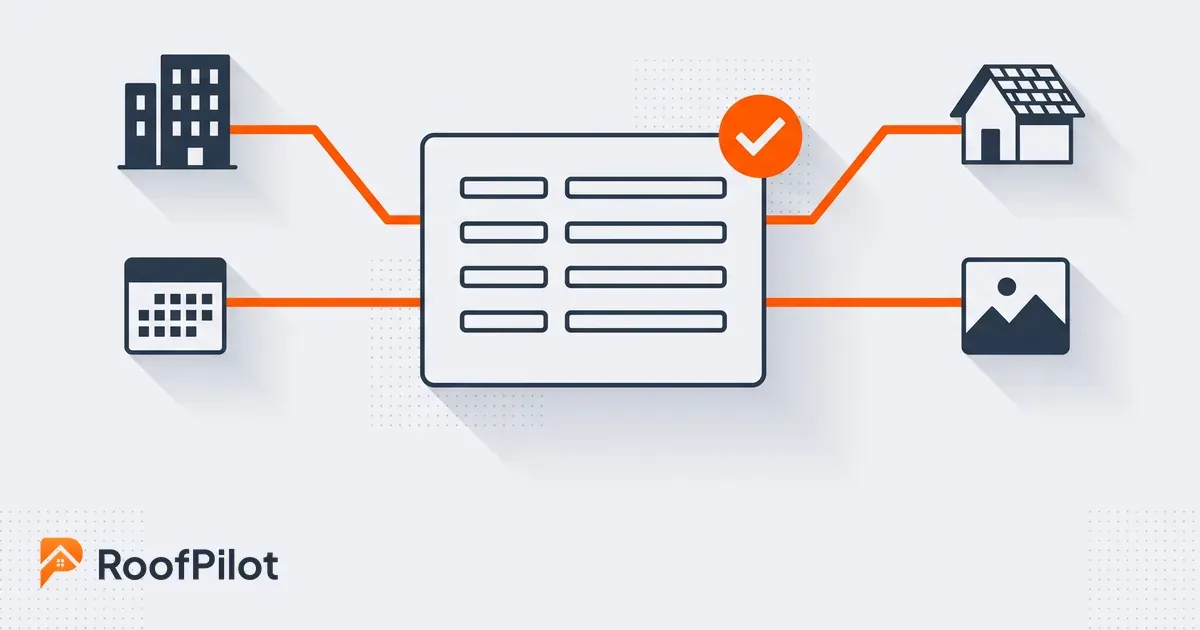
Job identification ties the work order to everything else in your system. This means a unique work order number, the associated proposal or contract number it was generated from, the customer name, and the property owner if they're different from the billing party. The work order number becomes the reference point for materials tracking, scheduling, invoicing, and job costing.

Site information goes beyond just the address. Access codes, gate instructions, parking restrictions, and site contacts all belong on the work order. A crew that shows up to a gated community with no code, or parks in a spot that blocks a neighbor, generates a customer service problem before a single shingle is touched. Notes about site-specific conditions (a pool that needs covering, a homeowner who works from home and prefers crews not to start before 9 AM, a dog that's aggressive) are the kind of detail that makes the difference between a smooth job and one that generates a call.

Scope of work should be specific, not summarized. "Replace roof" is not a scope description. The scope should name the specific tasks being performed, the products and colors being installed with quantities, and, importantly, what is not included. Clear exclusions prevent the scope creep that happens when a crew assumes something is in scope because nobody said otherwise. If gutters aren't being replaced, the work order says so explicitly.

Materials information lists everything the job requires, the quantities needed, the current status of each item (on hand, ordered, delivery scheduled), and any handling notes for specialty products. The crew lead should be able to look at the materials section and know immediately whether everything is staged and ready or whether something is still on its way.

 Crew assignment names who's doing the work, who the crew lead is, how many workers are expected, and whether any subcontractors are involved. This connects the work order to the scheduling system. For how roofing crew scheduling ties these assignments to the broader calendar, that system is covered in detail in that guide.

 Safety and special instructions cover anything that affects how the work should be performed on that specific job. Steep pitch, proximity to power lines, unusual structural conditions, permit or inspection requirements. These all belong on every work order where they apply. According to the Center for Construction Research and Training, falls remain the leading cause of fatalities in construction, and job-specific safety information on the work order is one of the practical ways to keep hazard awareness in front of crews at the point it matters.

What this means for your business: A work order that a crew can read in two minutes and know everything they need is worth far more than one that requires three phone calls to clarify. The time you invest completing the work order thoroughly is recovered on the job site, usually with interest.

Complete Work Order Template

Copy and adapt this template for your operation.

WORK ORDER #: [WO-2026-XXX]

Contract #: [Proposal/contract number] Date Created: [Date] Created By: [Name]

CUSTOMER & SITE

Field Information
Customer Name [Name]
Property Address [Full Address]
Phone [Number]
Email [Email]
Gate Code / Access [Code or instructions]
Parking [Where crews should park]
Site Contact [Name & number if different from customer]

SCHEDULE

Field Information
Scheduled Start [Date]
Expected Duration [X days]
Timing Notes [e.g., "No work before 9 AM, customer works from home"]

CREW

Field Information
Assigned Crew [Crew name or number]
Crew Lead [Name]
Crew Size [X workers]
Subcontractors [If applicable]

SCOPE OF WORK

Reference: Proposal #[Number], signed [Date]

Work to be performed:

  • [ ] Remove existing roof ([X] layers)
  • [ ] Inspect and repair decking as needed
  • [ ] Install [Brand] synthetic underlayment
  • [ ] Install ice and water shield at eaves and valleys
  • [ ] Install [Brand] [Model] shingles, Color: [Color]
  • [ ] Install aluminum drip edge
  • [ ] Install new pipe boots and roof vents
  • [ ] Install hip and ridge caps
  • [ ] Complete debris cleanup and magnetic nail sweep

Work NOT included in this order:

  • Gutter replacement or repair
  • Interior repairs of any kind
  • Chimney work beyond standard flashing

MATERIALS

Item Quantity Status
[Brand] Shingles, [Color] XX bundles [On site / Ordered / TBD]
Underlayment X rolls
Ice & water shield X rolls
Drip edge XXX LF
Pipe boots X
Hip/ridge cap X bundles
Nails X boxes

Delivery notes: [Date, staging location, any special handling]

SPECIAL INSTRUCTIONS

[Anything the crew needs to know that isn't captured above, such as customer preferences, site-specific hazards, photo requirements, etc.]

COMPLETION NOTES (fill out at job close)

Actual completion date: ___________ Variances from scope: ___________ Materials used vs. ordered: ___________ Photos taken: [ ] Before [ ] During [ ] After

From Proposal to Work Order: The Workflow

roofing proposal to work order workflow

Work orders should never be created from scratch. The scope and materials are already defined in the signed proposal. The work order pulls that information forward and adds the production details the crew needs.

The workflow is: proposal created, customer signs, work order generated from the proposal, production details added (crew assignment, schedule, site notes), materials confirmed or ordered, work order distributed to the crew. When this flow runs as described, the scope in the work order always matches what the customer agreed to and the crew is never working from a different version of the scope than the one the customer signed.

The most common breakdown in this workflow is scope changes between signing and job start. A customer adds scope, decking damage is discovered during an earlier inspection, or materials need to be substituted. Every change needs to follow a formal process: document the change, get customer approval if pricing is affected, update the work order, notify the crew, and adjust material orders if needed. A work order that doesn't reflect the current agreed scope is a liability. It's either telling the crew to do work the customer hasn't approved or telling them not to do work the customer expects.

Tracking Work Orders Through Completion

tracking roofing work orders

Every work order should move through a defined set of statuses (created, scheduled, in progress, completed, closed) and the whole team should be able to see where each job is in that lifecycle without having to call anyone.

When a job is marked complete, the work order should capture the actual completion date, any variances from the original scope, the actual materials used versus what was ordered, and photos confirming the finished work. This completion data matters for more than record-keeping. It feeds invoicing, warranty documentation, and, most valuably, the job costing data that tells you whether the job performed the way you estimated it would. For how to use that data to improve estimating accuracy and profitability over time, see the full guide on roofing job costing.

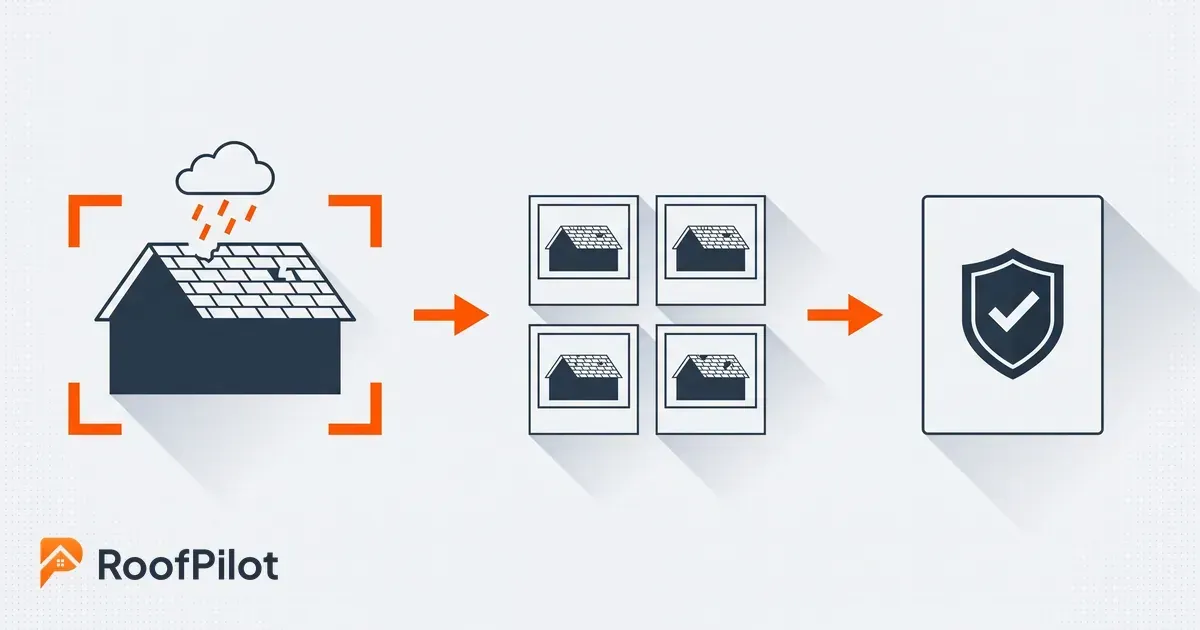
Photo documentation deserves specific attention. Before photos protect you against claims that damage existed before your crew started. In-progress photos justify any change orders discovered during the job. After photos confirm completed scope, support warranty claims, and give you marketing material. Photos should be attached directly to the work order rather than living in someone's phone camera roll, otherwise they're nearly impossible to find when you need them six months later.

What this means for your business: A closed work order with complete documentation is a clean record that protects you legally, feeds your financial reporting accurately, and gives future customers evidence of the quality of your work. Treating completion documentation as optional is a habit that costs money eventually.

Related reading:


how to choose a roofing photo app
By Liam Walsh September 7, 2026
How to choose a roofing photo app your crew will actually keep using, the eight features that matter, and why integration decides whether the habit survives.
roofing marketing strategies
By Liam Walsh September 4, 2026
A grounded look at roofing marketing in 2026, the strategies winning work now, why reviews and local search still decide the year, and what is getting pricier.
estimated vs actual roofing jobs
By Liam Walsh August 31, 2026
How to reconcile estimated versus actual on every roofing job, the variance math worked step by step, where jobs go over, and how to feed it into your next bid.
roofing company outgrows spreadsheets
By Liam Walsh August 28, 2026
The signs a roofing company has outgrown spreadsheets, what a spreadsheet still does well, and how to move your jobs to a real system without losing your data.
aerial roof measurements
By Liam Walsh August 24, 2026
See how aerial and satellite roof measurements work, how accurate they really are, which free options are worth trying, and when a paid report earns its keep.
before and after roofing photos
By Liam Walsh August 21, 2026
Before and after roofing photos protect against disputes, support insurance claims, and give homeowners something to share. How to document every job the right way.
job site photos roofing
By Liam Walsh August 17, 2026
Job site photos help roofers win proposals, prevent disputes, and generate referrals. Here's how to use them strategically on every job.
recession proof roofing business
By Liam Walsh August 14, 2026
How to prepare your roofing business for an economic downturn, cash reserves, cost structure, pricing discipline, and what to do when revenue slows.
why roofing businesses fail
By Liam Walsh August 10, 2026
The most common reasons roofing businesses fail, from cash flow and underpricing to lead management and the operational blind spots that catch most roofers off guard.
roofing software training
By Liam Walsh August 7, 2026
How to get your roofing team to actually use new software. Buy-in strategies, training methods, and how to handle resistance without losing momentum.